Physical Address
304 North Cardinal St.
Dorchester Center, MA 02124
Physical Address
304 North Cardinal St.
Dorchester Center, MA 02124

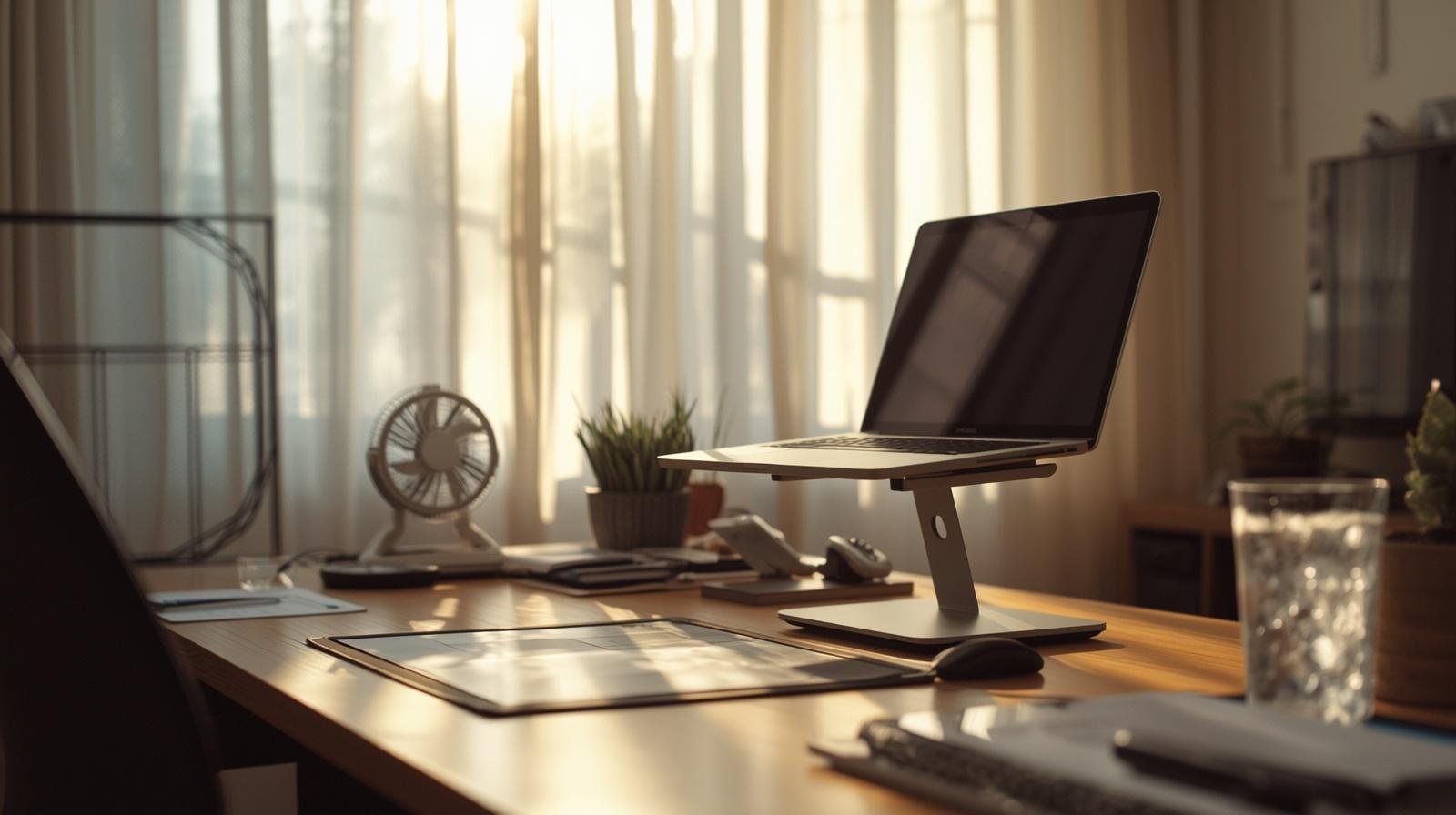
A few small desk changes can turn a sweaty, frustrating workday into something calm, cool, and actually productive.
By noon, the desk feels like a stove. Your chair sticks a little. The laptop hums louder than usual. You try to focus, but your brain keeps drifting to cold drinks and air conditioning that never quite reaches your corner.
That was me last summer, juggling client work, blog drafts, and a restless kid running around the house. I realized pretty quickly that productivity drops fast when you feel like you are melting. So I stopped fighting the heat and started adjusting my desk instead.
Here are the desk setup ideas that actually made a difference.
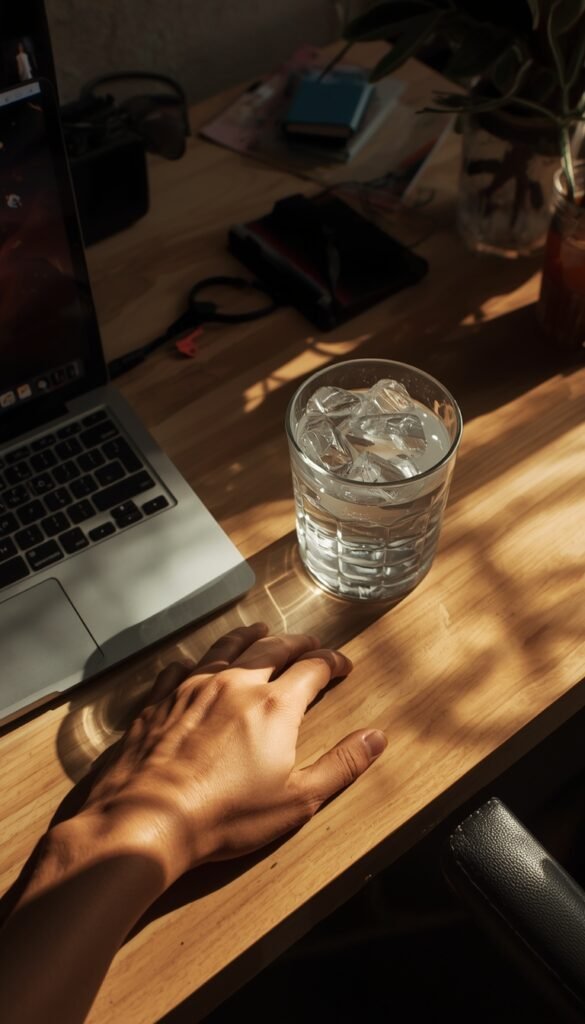
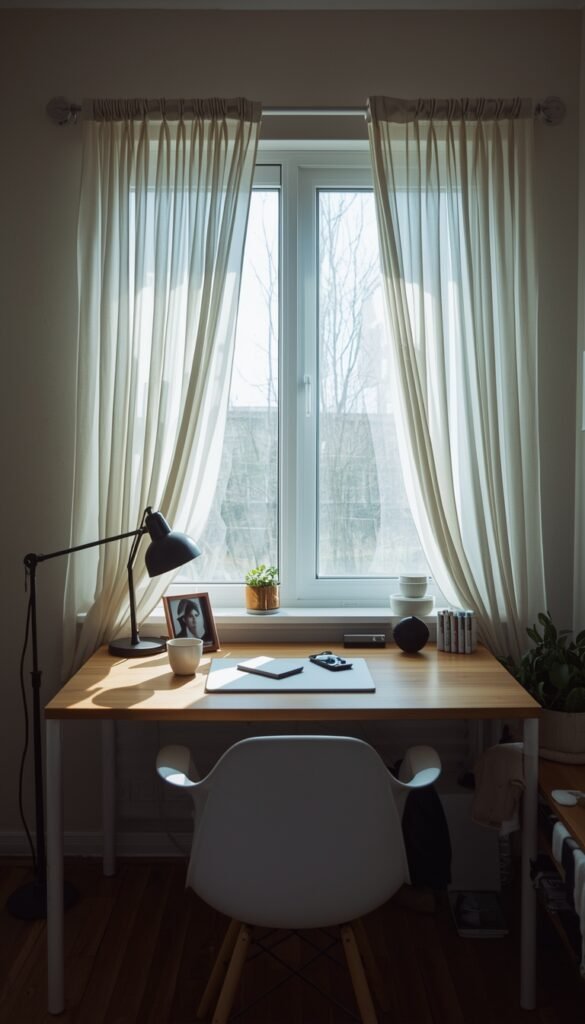
This sounds obvious, but I ignored it for years. I liked the natural light, so I placed my desk right by the window. Great for photos, terrible for staying cool.
Even indirect sunlight can heat up your workspace fast. The desk surface gets warm, your arms get sweaty, and suddenly typing feels like a chore.
What to try:
Takeaway: Light is good, but heat is not. Separate the two.
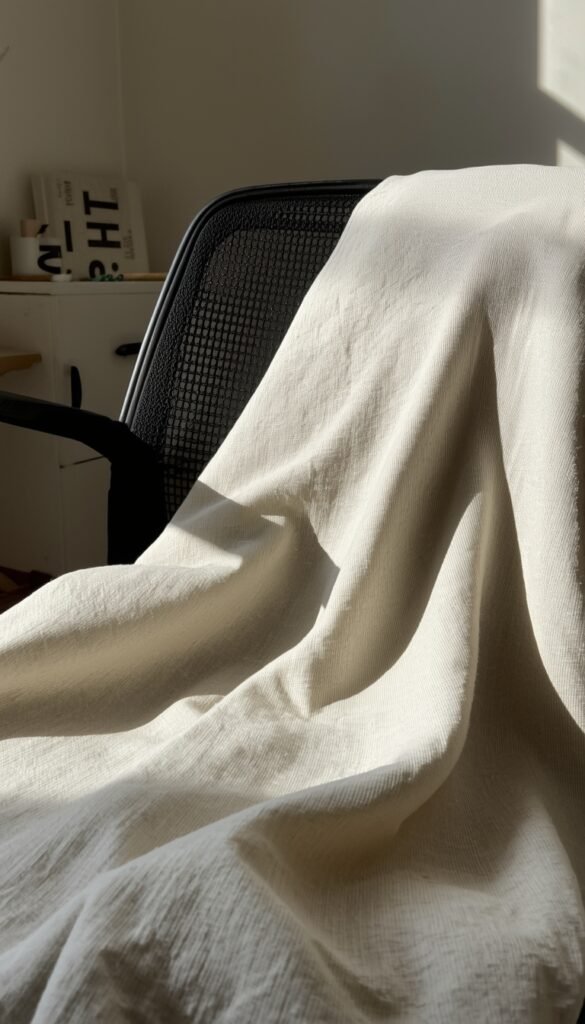
That plush office chair you love in winter becomes your enemy in summer. Mine felt like sitting on a sponge after an hour.
I swapped mine for a mesh-back chair and added a thin cotton cover. Immediate difference. Less sweat, less shifting around.
Quick fixes:
Takeaway: If your chair traps heat, your focus will suffer. Fix that first.
Laptops heat up fast, especially when they sit flat on a desk. And guess what happens next? That heat goes straight to your hands and face.
I started using a simple stand, nothing fancy. It lifted the laptop just enough to let air circulate underneath.
Benefits you will notice:
FYI, this also stopped my laptop fan from sounding like it was about to take off 🙂
Takeaway: A small lift can cool both your device and your workflow.
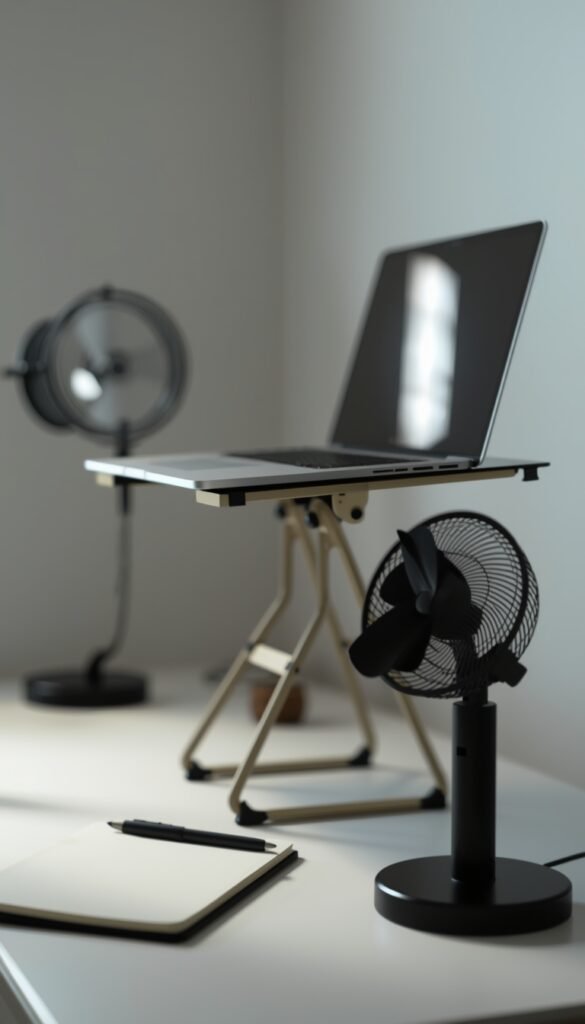
Not all desk fans are equal. Some just push warm air around, which feels pointless.
I found that positioning matters more than power. A small fan angled toward your upper body works better than blasting your face directly.
How to use it right:
Takeaway: Air movement matters more than intensity.
This one surprised me. I bought a cooling mat meant for pets and placed it under my wrists while typing.
It felt weird at first, but it helped a lot during long writing sessions. My hands stayed cool, which made typing feel less tiring.
Options to consider:
IMO, this is one of those small tweaks that adds up over time.
Takeaway: Cool surfaces reduce fatigue more than you think.
You know you should drink water, but when you are deep in work, you forget. Then you feel tired and blame the heat.
I started keeping a large insulated bottle right on my desk. Not on a shelf. Not in the kitchen. Right there.
Simple habits that help:
Yes, it sounds basic. It still works.
Takeaway: Hydration is part of your desk setup, not a separate habit.
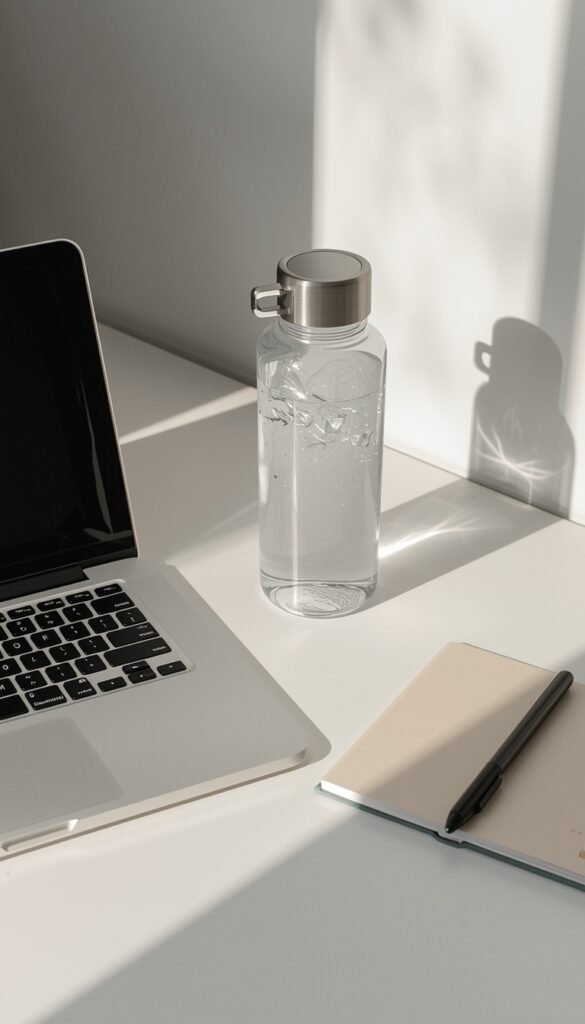
A crowded desk traps heat. Papers, gadgets, random stuff you forgot about. It all blocks airflow.
When I cleared my desk down to essentials, the space felt lighter. Cooler too, surprisingly.
Keep only what you need:
Everything else goes into drawers or shelves.
Takeaway: Less clutter equals better airflow and less mental noise.
Overhead lights can add heat, especially older bulbs. I noticed my workspace felt warmer in the evenings when I kept them on.
Switching to a small LED desk lamp helped. It gave enough light without adding extra warmth.
Lighting tweaks:
Takeaway: Your lighting setup can quietly heat your space. Change it.
This might sound funny, but it works. You adjust your clothes for summer, right? Your desk needs the same treatment.
I swapped dark, heavy desk accessories for lighter ones. Even my mouse pad changed from thick rubber to a thin fabric one.
Seasonal desk swaps:
It made the space feel cooler, even before turning on a fan.
Takeaway: A lighter setup creates a lighter working environment.
Sometimes the room itself is the problem. If you cannot cool the whole space, focus on your immediate area.
I started treating my desk like a mini zone. Fan, airflow, cold water, shade. Everything focused within arm’s reach.
How to build your cool zone:
It is not perfect, but it works well enough to get through the day :/
Takeaway: Control what you can. Your desk zone matters more than the whole room.
After trying all these desk setup ideas for hot weather, a few stood out.
The rest helped in smaller ways, but those three carried most of the weight.
Here is the thing people do not talk about enough. Heat does not just make you uncomfortable. It drains your decision-making.
You procrastinate more. You get irritated faster. Even simple tasks feel heavier.
I noticed this when I started snapping at small things during work hours. It was not the workload. It was the environment.
Fixing your desk setup will not solve everything, but it removes a major barrier.
You do not need a perfect office or expensive gear to survive hot weather. You just need a setup that works with the season instead of against it.
Start small. Move your desk. Add airflow. Clear space. Drink water. Stack these habits together and your workday feels different.
A cooler desk leads to clearer thinking. And that alone is worth the effort.








