Physical Address
304 North Cardinal St.
Dorchester Center, MA 02124
Physical Address
304 North Cardinal St.
Dorchester Center, MA 02124


Discover 12 practical software engineer desk setups that boost productivity, reduce distractions, and make long coding sessions way more comfortable without turning your workspace into an overpriced tech showroom.
The second monitor froze again right in the middle of a deploy. Coffee sat way too close to the keyboard. Slack notifications popped off like fireworks while the cheap desk chair slowly destroyed another lower back. Somehow this became normal for a lot of software engineers.
A good setup will not magically fix burnout or make debugging fun. Sadly, no desk on Earth can save you from a production issue at 2 a.m. But the right workspace does make coding smoother, faster, and way less annoying. After years of freelancing, running projects from home, and trying to balance work with family life, I learned that efficiency usually comes from tiny upgrades that remove friction.
This list covers 12 software engineer desk setups for maximum efficiency that actually help real people work better. Not Pinterest-perfect setups with six glowing monitors and zero fingerprints. Real setups that survive coffee spills, long coding sessions, and random toddler interruptions :).
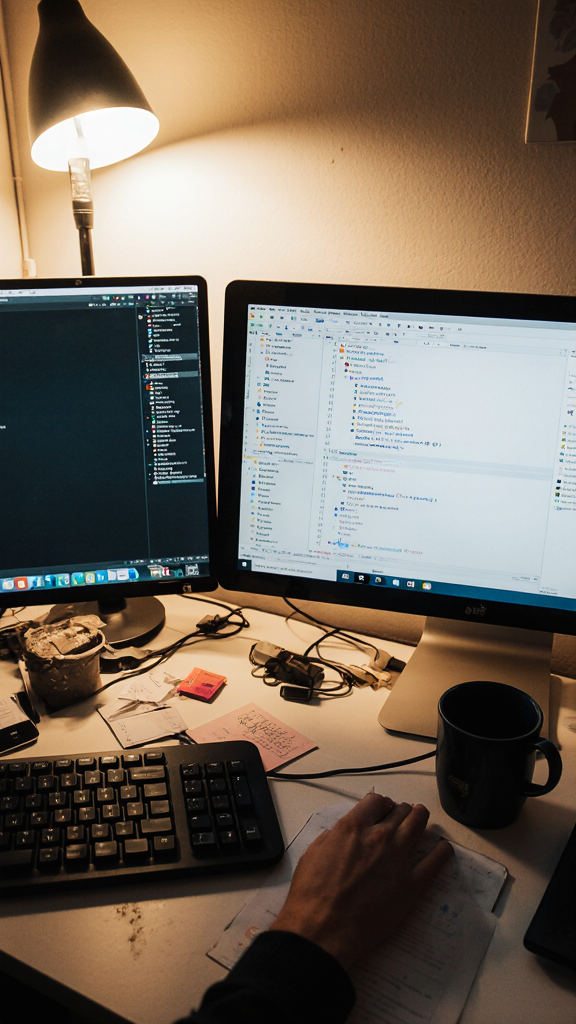
A dual monitor setup still feels like the sweet spot for most developers. One screen handles the code editor while the second manages documentation, terminals, Slack, or browser tabs.
The mistake people make is going too big too fast. Three monitors sound productive until your neck starts rotating like an owl.
A practical setup usually includes:
The vertical monitor changed everything for me. Seeing long files without endless scrolling feels weirdly satisfying. Also, Git diffs stop looking like a crime scene.
Takeaway: Two monitors increase focus without turning your desk into a spaceship cockpit.
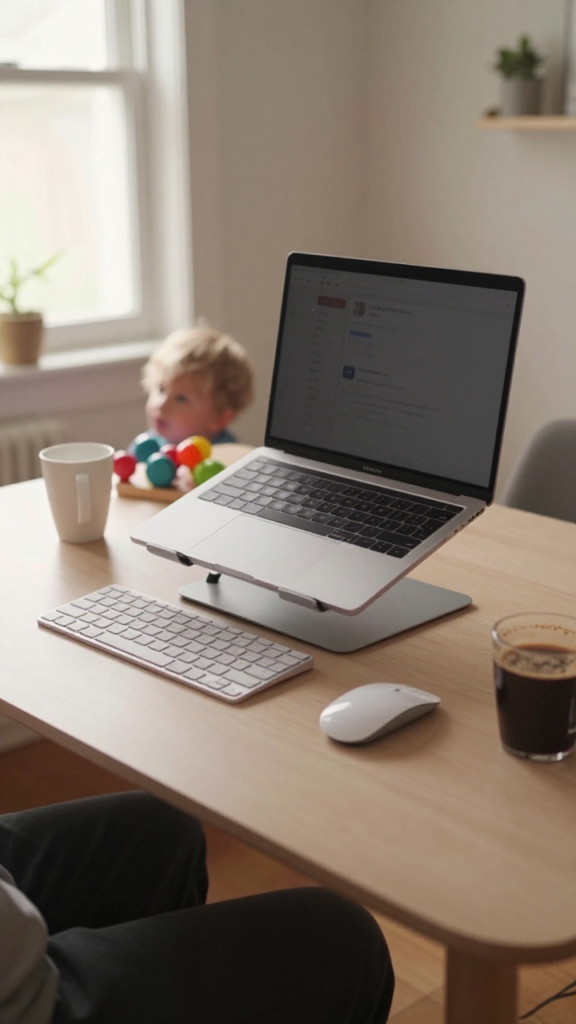
Not every software engineer wants a giant battlestation. Freelancers and remote workers often need portability more than aesthetics.
I spent months working from the dining table while my daughter turned half my cables into jump ropes. Eventually I simplified everything.
This setup works best with:
The trick is reducing setup time. If your workspace takes 20 minutes to assemble every morning, you will eventually stop bothering.
A portable desk setup also helps when working from cafes, coworking spaces, or random hotel rooms during client projects.
Takeaway: Simpler setups often create fewer distractions and faster workflows.
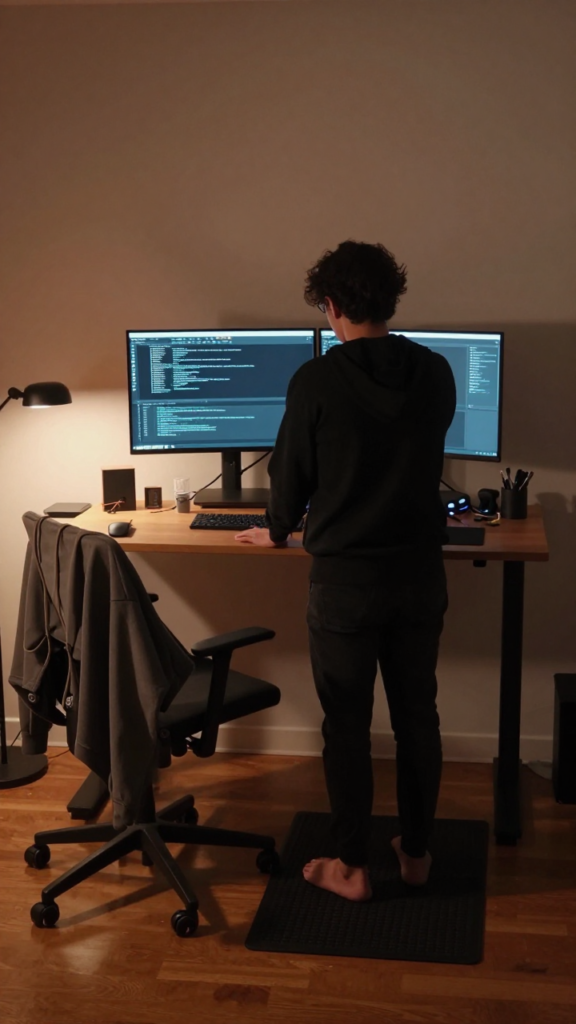
Standing desks sounded gimmicky to me at first. Then I realized sitting for ten hours straight made me feel about 87 years old.
Now I alternate between sitting and standing throughout the day. Energy levels stay more stable, and my shoulders complain less.
The real win comes from movement. Standing naturally breaks up marathon coding sessions. You end up stretching more without thinking about it.
Also, pacing around while debugging somehow works better than staring angrily at the screen.
Takeaway: Movement boosts focus more than another expensive gadget ever will.
Ultra-wide monitors are basically the developer version of saying I can quit anytime I want while buying another keyboard.
Still, they work incredibly well.
A single ultra-wide monitor reduces distractions caused by window switching. You can place your IDE, terminal, browser, and logs side by side without stacking windows like digital pancakes.
One downside exists though. Sharing your screen during meetings becomes awkward because everyone else sees microscopic text.
You either zoom in constantly or accept that nobody can read anything. Fun times.
Takeaway: Ultra-wide monitors improve multitasking while keeping the workspace clean.
Software engineers love mechanical keyboards with terrifying passion. Honestly, I get it now.
Typing on a good keyboard makes long coding sessions feel smoother and less fatiguing. Cheap mushy keyboards feel like typing on wet bread.
My husband once asked why developers obsess over keyboards so much. I told him it is because we basically communicate with computers for a living. The keyboard becomes part of your brain after a while.
Just maybe avoid the ultra-clicky switches if you share an office. Your coworkers will absolutely judge you.
Takeaway: A quality keyboard improves comfort every single day.
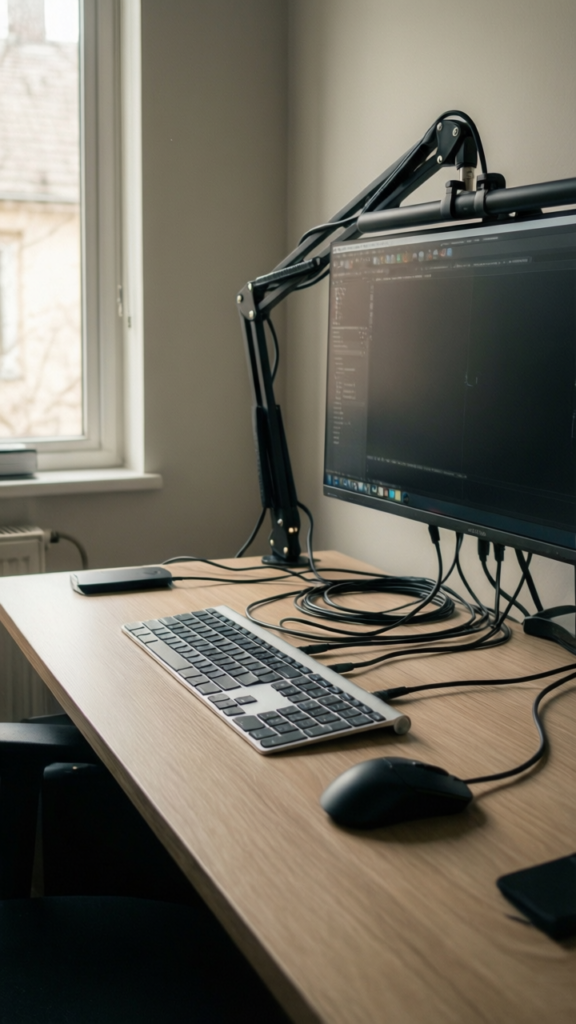
Nothing kills focus faster than cable chaos.
At one point I had so many wires under my desk that unplugging one thing felt like diffusing a bomb. Eventually I spent one afternoon fixing everything, and productivity instantly improved.
A cleaner desk reduces visual stress. That sounds dramatic, but clutter constantly pulls attention away from work.
Plus, clean setups look way more professional during video calls. Nobody needs to see spaghetti cables hanging behind the monitor 🙁
Takeaway: Less visual clutter creates a calmer and more focused environment.
Most developers underestimate ergonomics until pain shows up.
Wrists hurt. Neck tightens. Lower back starts filing complaints. Suddenly posture matters a lot.
An ergonomic setup focuses on reducing physical strain during long coding sessions.
The biggest improvement for me was monitor height. Raising the screen to eye level immediately reduced neck tension.
Tiny adjustments matter more than people think.
Takeaway: Comfortable developers stay productive longer without burning out physically.
Some engineers need absolute silence to concentrate. Others can code through chaos like caffeinated superheroes.
For deep work, this setup minimizes interruptions completely.
I started using focus sessions during freelance deadlines. Phone facedown. Notifications muted. Browser tabs reduced to only what mattered.
Suddenly tasks that normally took four hours finished in two.
Turns out constant context switching quietly destroys momentum.
Takeaway: Protecting your attention matters more than optimizing every tool.
Okay, yes, RGB lighting can look ridiculous. But some setups genuinely create a fun environment that makes work more enjoyable.
And honestly, software engineering already involves enough stress. A little personality helps.
The key is moderation. A subtle glow behind the monitor feels cozy. Full rainbow nightclub mode feels like your desk belongs inside a gaming tournament.
Unless that is your thing. No judgment. Mostly.
Takeaway: Enjoying your workspace makes long work sessions easier to handle.
This setup focuses on speed above everything else.
Power users optimize workflows aggressively because saving small amounts of time repeatedly adds up fast.
Watching experienced developers navigate their systems feels mildly terrifying sometimes. Fingers flying across shortcuts while the mouse sits untouched like abandoned gym equipment.
But efficiency grows from repetition. The less friction between your thoughts and actions, the faster work gets done.
Takeaway: Automation removes repetitive tasks and preserves mental energy.
Hybrid work changed how many software engineers build their desks. The setup now needs to support both home and office environments.
That means flexibility becomes important.
I learned quickly that constantly unplugging ten cables destroys patience. One docking station fixed that instantly.
Now switching between rooms takes about thirty seconds instead of a full emotional breakdown.
Takeaway: Hybrid setups should prioritize convenience and adaptability.
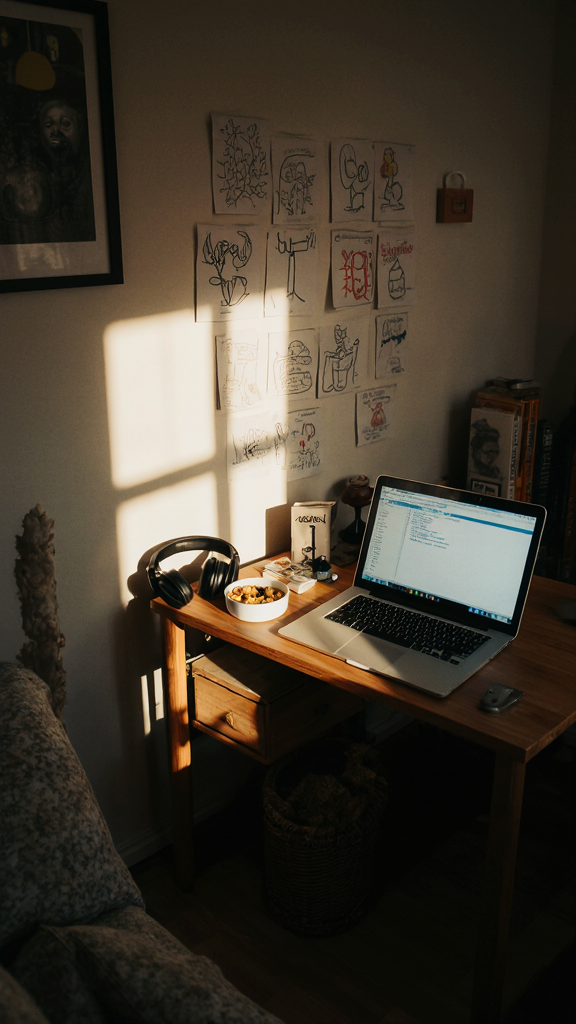
Working from home with kids around creates a very different desk setup strategy.
You stop chasing perfection and start prioritizing survival.
My desk eventually evolved into something durable, practical, and interruption-resistant. Expensive white accessories disappeared fast after one juice spill incident. Lesson learned.
The biggest improvement came from separating work and home mentally. Even a small dedicated corner helps signal when work starts and stops.
That boundary matters more than most productivity hacks.
Takeaway: Real-life functionality beats aesthetic perfection every time.
The best software engineer desk setup for maximum efficiency depends on how you actually work. Not how influencers work. Not how productivity YouTubers stage their offices for thumbnails. Your setup should remove stress, support focus, and make long coding sessions easier to handle.
Start small before buying expensive gear. Upgrade the chair. Fix cable management. Raise the monitor height. Tiny changes usually create the biggest improvements over time.
And honestly, no desk setup will completely eliminate bugs, impossible deadlines, or mysterious production errors that disappear the second someone else looks at them. But a comfortable and efficient workspace definitely makes the chaos easier to survive :).








