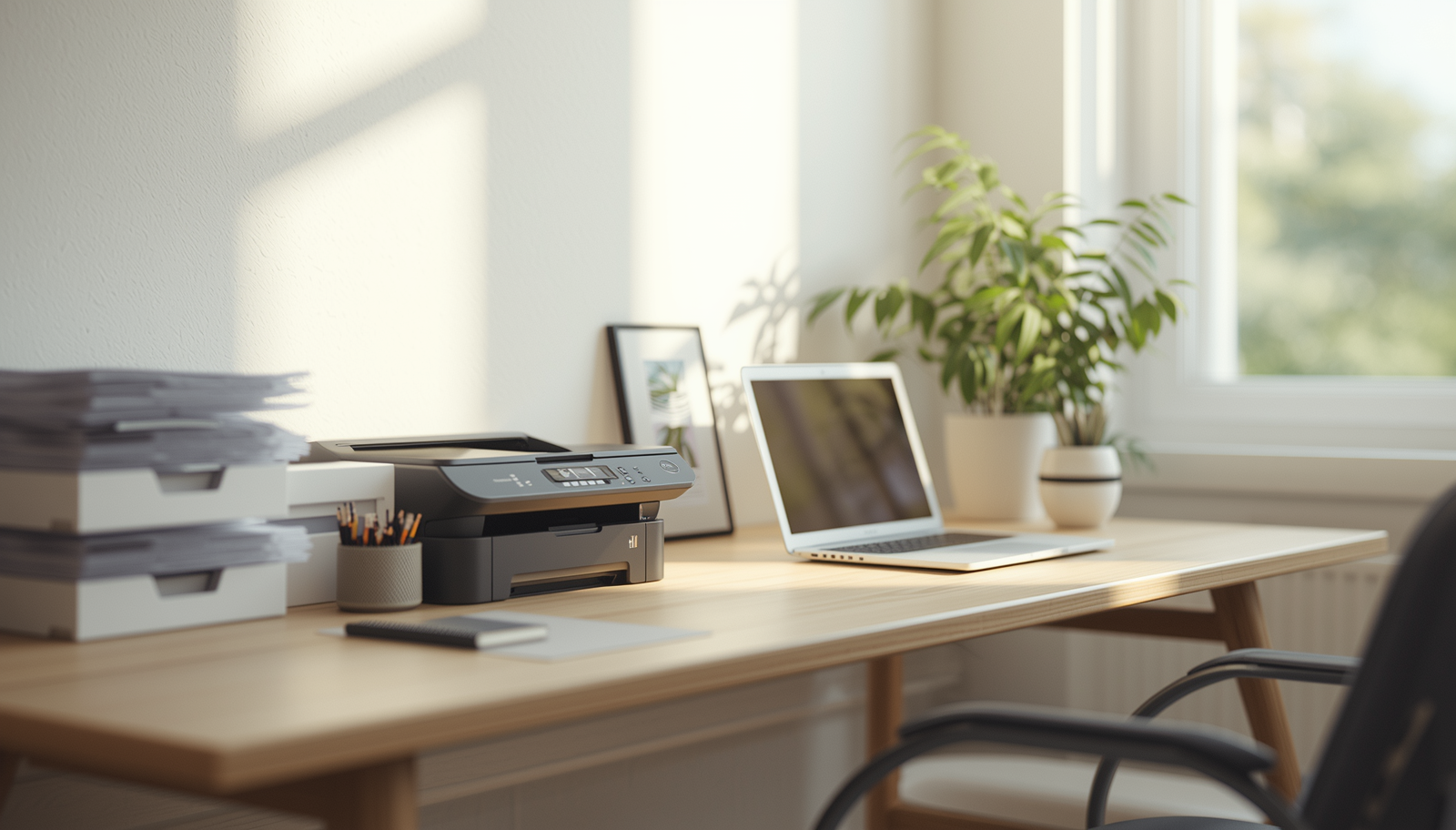
6 Practical Ways to Create an Office With Printer Setup

Discover simple, practical ways to build a clean and efficient office printer setup that reduces clutter, saves time, and keeps your workspace effortlessly organized.

I once had a printer situation that felt like a small daily punishment. It was shoved under a desk, cables tangled behind it, paper stacked wherever there was space, and every time I needed to print something urgent it somehow jammed out of spite.

The worst part was not the printer itself. It was how much time I lost dealing with it instead of just working.

At some point I realized the issue was not the printer. It was the setup. I had treated it like an afterthought instead of part of the actual workspace design.

So I rebuilt everything with one goal in mind. Make printing simple, accessible, and not annoying.

Here are 6 practical ways to create an office with printer setup that actually works in real life.

1. Choose the Right Printer Location First

Most people buy a printer and then figure out where to put it. That is backwards.

The location should come first.

Good placement options

  • Near your main desk but not on it
  • On a dedicated side table
  • Inside a printer cabinet with ventilation
  • On a low shelf within easy reach

You want it close enough to use without standing up twice, but far enough to avoid visual clutter.

I used to keep mine on the floor. FYI, that is how printers become forgotten furniture.

Takeaway: Printer placement should balance accessibility and visual cleanliness.

2. Create a Dedicated Printer Station

https://images.openai.com/static-rsc-4/PTxXvBMIzvYovWODfru1cTewIh-KOASH2V4w8bIIr3h2dKkNTcENgwA8-MdGmhmwKFl__ouCso1aDfGx4h-6flhxuzhLSeZsdbv3WJEJjoShn4UyvvP5wosEX-H4TYCf8o4_QXbZ-wRfj83UdiPhsWq0P__aotITeAWz_C88AhcnWRzn_cl0qxal181iHJ9J?purpose=fullsize
https://images.openai.com/static-rsc-4/p_e8xioxkR-ka7ype55aqkqTgbfcqEh_TMGNwgoi9_w0ZM1Bmzl86rIVk8b3DQrUptXDsGsfdYAlKGNGrQZGDibIKwQmYwKozEptLiY-cqk37uGzMmxZ5C2MUYAi0MdvSFz-RrWU09qFgMtsksa1PE-a8P96N3cR20-nShyHALU0osI8kz5_Jp6mJLi3jw-0?purpose=fullsize
https://images.openai.com/static-rsc-4/FEFjBulKXSv9clWYbjL9o6gHpX-xuBygDmHkG_tz_eB-__LmEChJeUiaKY_TLClgpXcDWS0DGrQQVIOZWCCF7AC7-zbAIFvMD5NP_n6EUOVtg_VYwzHZDk_oiZDrd141kgnSQkgbxk1vEd0-qypngiqZJZb_fr679EvE96S-LQPU3R9IScNwwdFLAR6WpSlM?purpose=fullsize

A printer should never float in random space.

It needs its own defined zone.

What a printer station includes

  • Flat surface for printer
  • Paper storage area
  • Cable management access
  • Space for supplies like ink and labels

This turns printing into a system instead of a scavenger hunt.

Once I gave mine a dedicated station, I stopped losing paper like it was part of the job description.

Takeaway: A dedicated printer station removes friction from everyday printing tasks.

3. Organize Paper Supplies Properly

Paper is the silent chaos maker in most offices.

It looks harmless until it is everywhere.

Smart organization ideas

  • Vertical file holders
  • Labeled paper trays
  • Drawer storage for bulk paper
  • Separate trays for active vs archived documents

Without structure, paper multiplies instantly.

IMO, paper deserves more respect than we give it, mostly because it refuses to stay in one place.

Takeaway: Proper paper organization prevents clutter from spreading across your workspace.

4. Hide Cables but Keep Access Easy

https://images.openai.com/static-rsc-4/MtOd-rehpoLsiPo8sZbsxLlEJjJ6Fl787Fd3sGj3ACeSDRne51-Dzfr6i-Mp3QC6oW_3jN3H0jwt6ZVjm4nvAHvAZWFYWQuLtXkpmDqstGszMMQ9EFXRvAQ_gAZefgfVL6rvLZrcwPc7D4j3saxqUyzQ7R-YaRPsxkISbQlwmk9GPWhDh2yrl7pNgyh79z_3?purpose=fullsize
https://images.openai.com/static-rsc-4/BEYJSounkr4QTPSC3WfMzpRImAv7YTd5JUYzZapkmg6ItQRpigxPqQSM5L8EfzJgZ-ZvfO-aVFLYc2FLyhUvyBnVqrL33lVcXQzNpN4oRIBBLLOsmFVQVwuGxPi8zvGsvg9eUM0QarGvKRvlfmzn_jPrfIqe4CMNsaOpPEo_ZaC1aanXvGkklfTC5CMujKF_?purpose=fullsize
https://images.openai.com/static-rsc-4/BlQmSwuOfxSlx3oyvmEisT6899gqW2PqzneLiK3mLDsHhvyanUqewU7yCue0tbMdnCiAwJUAclrs6nS5hpJshBzk-SuIrnpE_ozeiuwAHtZ2ls21wHOLEaJapaCLtShvKHzYHBBmKxxlbuUDPNL7rvy5jyJBe3riif6sF_Hv6iih1T6JfrOWDB_qI4cNyKjB?purpose=fullsize

Printer cables are not decorative. They just pretend to be.

But they ruin the clean look instantly.

Cable solutions that actually work

  • Cable clips along desk edges
  • Cable sleeves for grouping wires
  • Power strip mounted under desk
  • Labeling cords for easy maintenance

The key is not just hiding cables, but making them easy to access when needed.

I used to shove everything behind the desk and hope for the best. That never ended well.

Takeaway: Good cable management improves both aesthetics and functionality.

5. Use Storage That Matches the Workflow

https://images.openai.com/static-rsc-4/oFTa3LDwT8v-UyfbKCLWWpRGj-w_mJ-OJZYgN6VggGngY49od3YVV3cG0oZCY7deJbX7kiKpMHh0IbDQLnW46ysi931zXD9YIEyBcBNWxPPA_ZvrGn4o1DnYryWmldsRoaXGrkGodQCKu1OU2YYmkaSTnKyPFTFl2jkX8QfPv3Z40tkUj0gRwYhDLnDqvWYz?purpose=fullsize
https://images.openai.com/static-rsc-4/_QC35VGzV0s3imYnXHwvzTd7tEWyYq4Bg5xsT6eTFMXd7UFNpuwvTSoSCi2u30EukiZmBtIGFgBY6MZEcy5PcXlRMhsvx7RYDrVw7ymdD_6SoVZjEyBEumNFT4c1u7r8zIoDyy1haSVbJmTufeSzbS20C9wILbGY5FUdC2_-xUydvIEcYhPVXWy1oczl2ANS?purpose=fullsize
https://images.openai.com/static-rsc-4/FEFjBulKXSv9clWYbjL9o6gHpX-xuBygDmHkG_tz_eB-__LmEChJeUiaKY_TLClgpXcDWS0DGrQQVIOZWCCF7AC7-zbAIFvMD5NP_n6EUOVtg_VYwzHZDk_oiZDrd141kgnSQkgbxk1vEd0-qypngiqZJZb_fr679EvE96S-LQPU3R9IScNwwdFLAR6WpSlM?purpose=fullsize

Your printer setup should not exist in isolation.

It should connect with your storage system.

Storage ideas that work

  • Side cabinets with drawers
  • Rolling storage carts
  • Open shelving for quick access items
  • Closed storage for messy supplies

The goal is flow. Not searching through five places for one ink cartridge.

This is where most setups quietly fail.

Takeaway: Integrated storage keeps printer workflows smooth and efficient.

6. Keep the Surface Around It Minimal

https://images.openai.com/static-rsc-4/dqDbT3PUfB-2Tlj0meENz40Wa_If0Y15oYePWMxvCn2bYMmudexFu5rpX_lWNCCptqMhKtwjg9BaTO5LcXmhzwUsTQ6MtknjDLDLTkE0TT0KX0cYSdkstsHjpb-dhHeAamQVWgXB4jOHmOgx_4sAqoLk0WQu_Ou3eaWyzXcAai_2rR2Xh8UTzoQLN9qpEMLN?purpose=fullsize
https://images.openai.com/static-rsc-4/sEVfSs6RrZiHtxEw-GQsogmB9cgXUcqgX1N7E5Mu8sXxfaLE2lNSezw-WtxMRYY0gmxZZTVtsNIzluS-H_pRUCMF-VLf6CBjgSc79S6gB5a9jI5gldGLOvgMC-pZeWlMqrhcg4lxYL8iCdUlF4q9WdD47jdXg-WoALIJKf3Tf_x7ZWb8vJASKfNEAebtK9Nb?purpose=fullsize
https://images.openai.com/static-rsc-4/Ux9ymho1stlqYtm104jIsX2P-bfAhYamOl_f9irGHTY2t8NdgaixHsVif7n37WjmD0vcFvLSqeXnlEiD2hsrb3Ry5JCpGse2x32yR12O5EAI16Tihf1Z8cPgca9JsAfF6WvcAu7hDJzIqKch7DWRjKqC7dFSTfAKfDxt5jGVVzKiEpKhFE1Q1ulF5XZCrgxR?purpose=fullsize

Clutter spreads fastest around printers for some reason.

Maybe because they feel like utility zones.

What to keep nearby

  • One paper tray
  • One small supply container
  • Printer only
  • Nothing else by default

The cleaner the surrounding area, the easier it is to stay organized long term.

I noticed I stopped “temporarily placing things” near the printer once I cleared everything else away.

Takeaway: Minimal surrounding space prevents printer area clutter from building up.

Final Thoughts

A printer should not feel like a necessary inconvenience sitting in the corner of your workspace.

With the right setup, it becomes just another smooth part of your workflow.

The difference is not the machine. It is the system around it.

Once you design that system properly, printing stops being a frustrating interruption and becomes a quick, invisible step in your day.

And honestly, that is how it should be.

Avatar photo
Lyn Nguyen