Physical Address
304 North Cardinal St.
Dorchester Center, MA 02124
Physical Address
304 North Cardinal St.
Dorchester Center, MA 02124

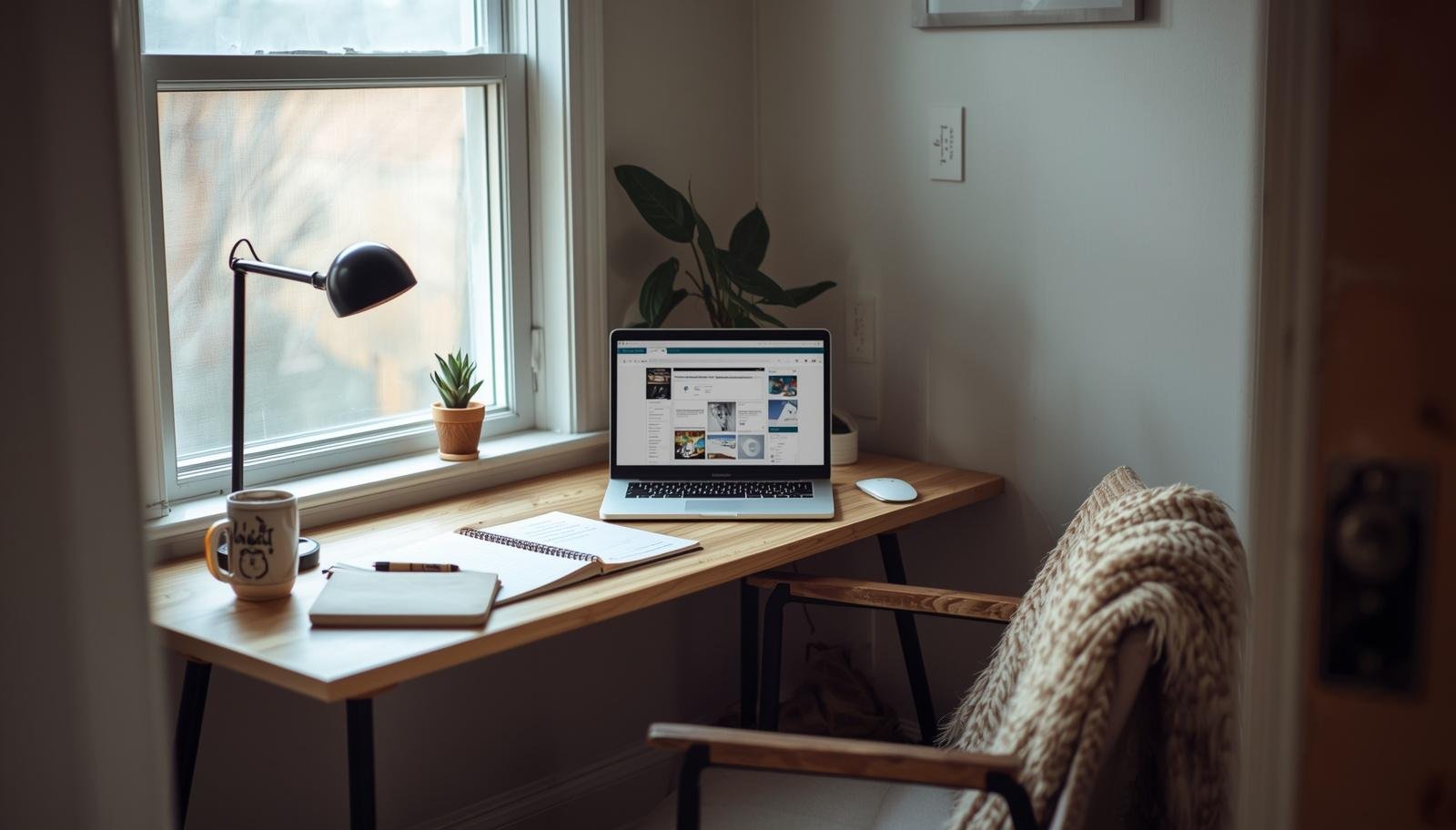
Struggling to focus at your desk might have less to do with discipline and more to do with your layout, and these simple home office setup ideas can completely change how your work flows.
The laptop is open, coffee is getting cold, and somehow you have checked your email five times but finished nothing. The chair feels wrong. The desk feels crowded. Your brain feels… stuck.
That was me last Tuesday, staring at a half-written blog post while my daughter asked for snacks every ten minutes. I kept thinking I needed more discipline. Turns out I needed a better layout.
A home office is not just about pretty shelves and matching chairs. It is about flow. When your space works, your brain works. When it does not, everything feels harder than it should.
Let’s fix that.
I wasted money on gadgets before I fixed my layout. New keyboard, better lamp, even a standing desk converter. Guess what changed? Not much.
Flow comes from how you move, see, and reach things. If you constantly twist, stand, or search, your focus breaks. And once focus breaks, good luck getting it back.
Takeaway: If your space feels annoying, it is not you. It is your layout.
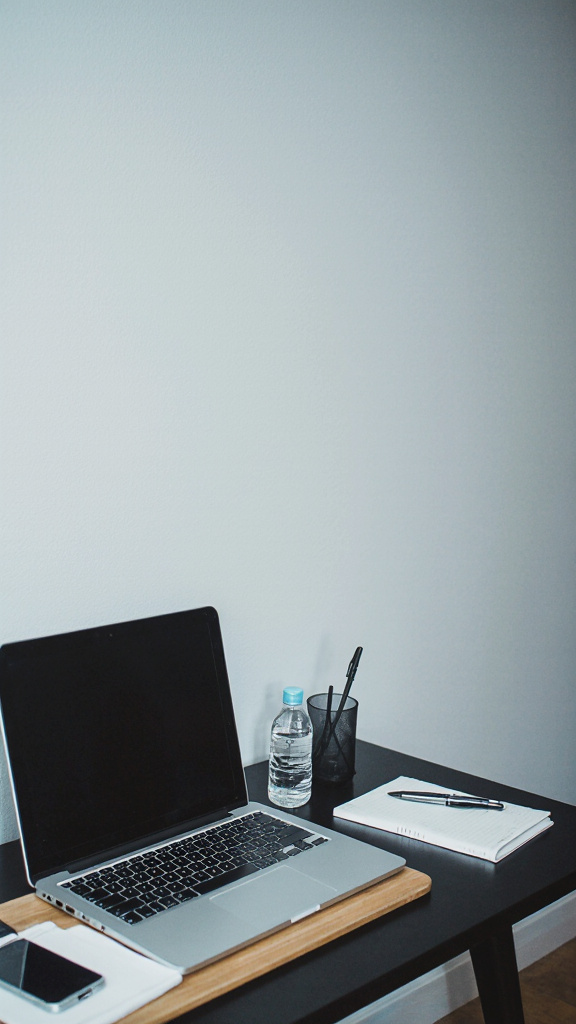
This is my go-to when deadlines pile up and I need zero distractions.
You sit in one spot and everything important sits within arm’s reach. Think laptop, notebook, water, charger, and maybe snacks if you are honest 🙂
I used this layout when I launched my first digital product. No walking around, no extra movement. Just sit and execute.
Takeaway: The fewer movements you make, the easier it is to stay in flow.
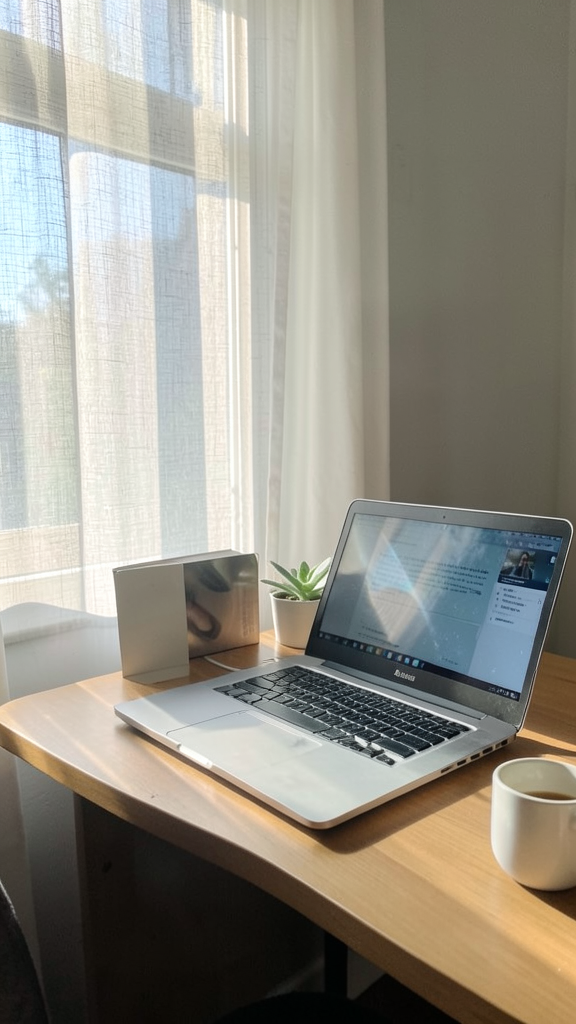
Natural light changes everything. Seriously. You feel more awake, less grumpy, and slightly more like a functional human.
I switched to this during a burnout phase. It helped more than I expected.
One morning, I caught myself staring outside for five minutes. Not productive, sure. But it reset my brain better than scrolling ever did.
Takeaway: Light boosts mood, and mood boosts productivity. Simple math.
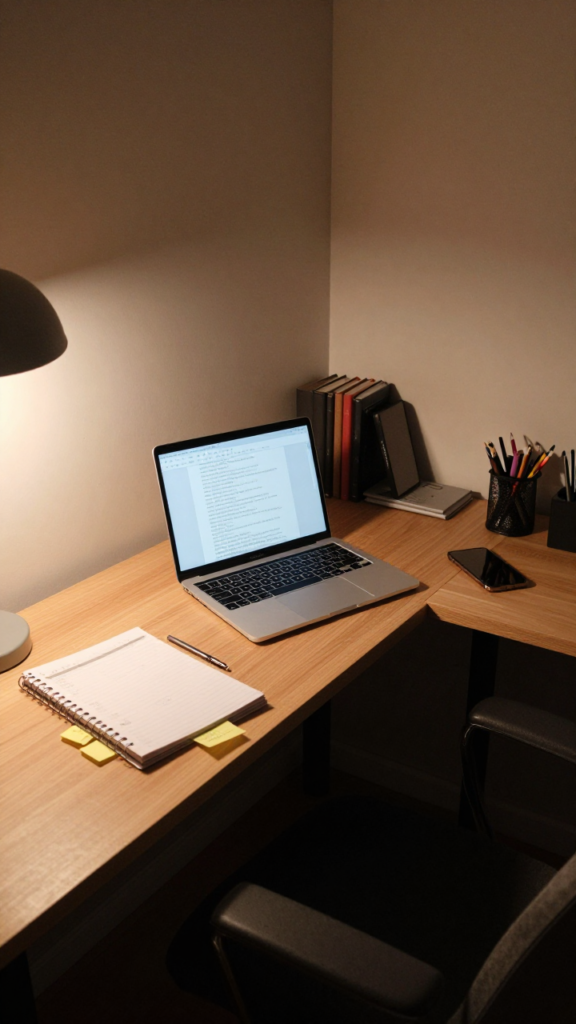
Corners are underrated. Most people ignore them, which is a mistake.
A corner desk creates a natural boundary. You feel tucked in but not trapped.
This layout saved my sanity when I started juggling freelance clients and blogging. I had one side for client work and one for my own projects.
Takeaway: Corners create structure without needing extra space.
I resisted this for years because I like stuff. Cute planners, colorful pens, random sticky notes everywhere.
Then one day I cleared my desk out of frustration. Suddenly, I could think again.
Your brain processes everything it sees. More stuff means more mental noise.
IMO, this is the easiest upgrade anyone can try. No money needed, just ruthless decluttering.
Takeaway: Less visual noise equals more mental clarity.
This one is perfect if you switch between tasks a lot. Writing, calls, planning, editing. You know the chaos.
Instead of forcing everything into one space, you split your office into two zones.
Zone 1: Focus Work
Zone 2: Light Work
I use my main desk for writing and a side chair for brainstorming. It feels like switching modes without leaving the room.
Takeaway: Changing position can reset your brain faster than a break.
If your desk feels cramped, stop thinking horizontally. Look up.
Walls are free real estate.
When my daughter took over part of my workspace with her crafts, I had no choice but to go vertical. It worked surprisingly well.
Just do not overdo it. Too many things on the wall can feel chaotic.
Takeaway: Use your walls wisely to expand your workspace without expanding your room.
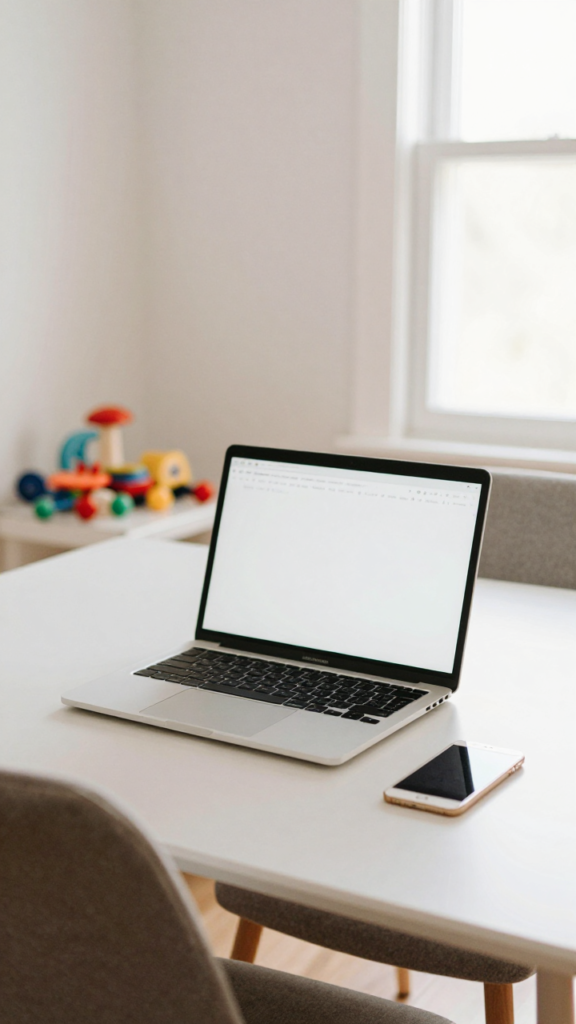
Life changes. Kids interrupt. Clients reschedule. Energy levels fluctuate.
A rigid setup does not always survive real life.
Sometimes I move my laptop to the dining table when I need a change. Other times I bring a chair next to my desk for a quick planning session.
It is not Instagram-perfect. It is real life.
Takeaway: Flexibility keeps your workspace aligned with your life, not the other way around.
Even the best layout fails if you ignore small details.
I once worked from my bed for a week. Productivity dropped. Mood dropped. Everything dropped :/
Takeaway: Small ergonomic tweaks make a big difference over time.
There is no perfect setup. Only the one that fits your life.
Ask yourself:
Start simple. Test one layout for a week. Adjust. Repeat.
You do not need a full makeover. You need small, intentional changes.
Takeaway: Your ideal setup evolves as your work and life evolve.
A good home office layout does not just look nice. It removes friction. It makes work feel smoother, lighter, and honestly a bit more enjoyable.
You do not need expensive furniture or a Pinterest-perfect room. You need a setup that supports how you actually live and work.
Pick one idea from this list and try it this week. Not next month. Not when things calm down. Now.
Because the truth is simple. When your space flows, your work flows. And when your work flows, everything else feels just a little easier.








