Physical Address
304 North Cardinal St.
Dorchester Center, MA 02124
Physical Address
304 North Cardinal St.
Dorchester Center, MA 02124

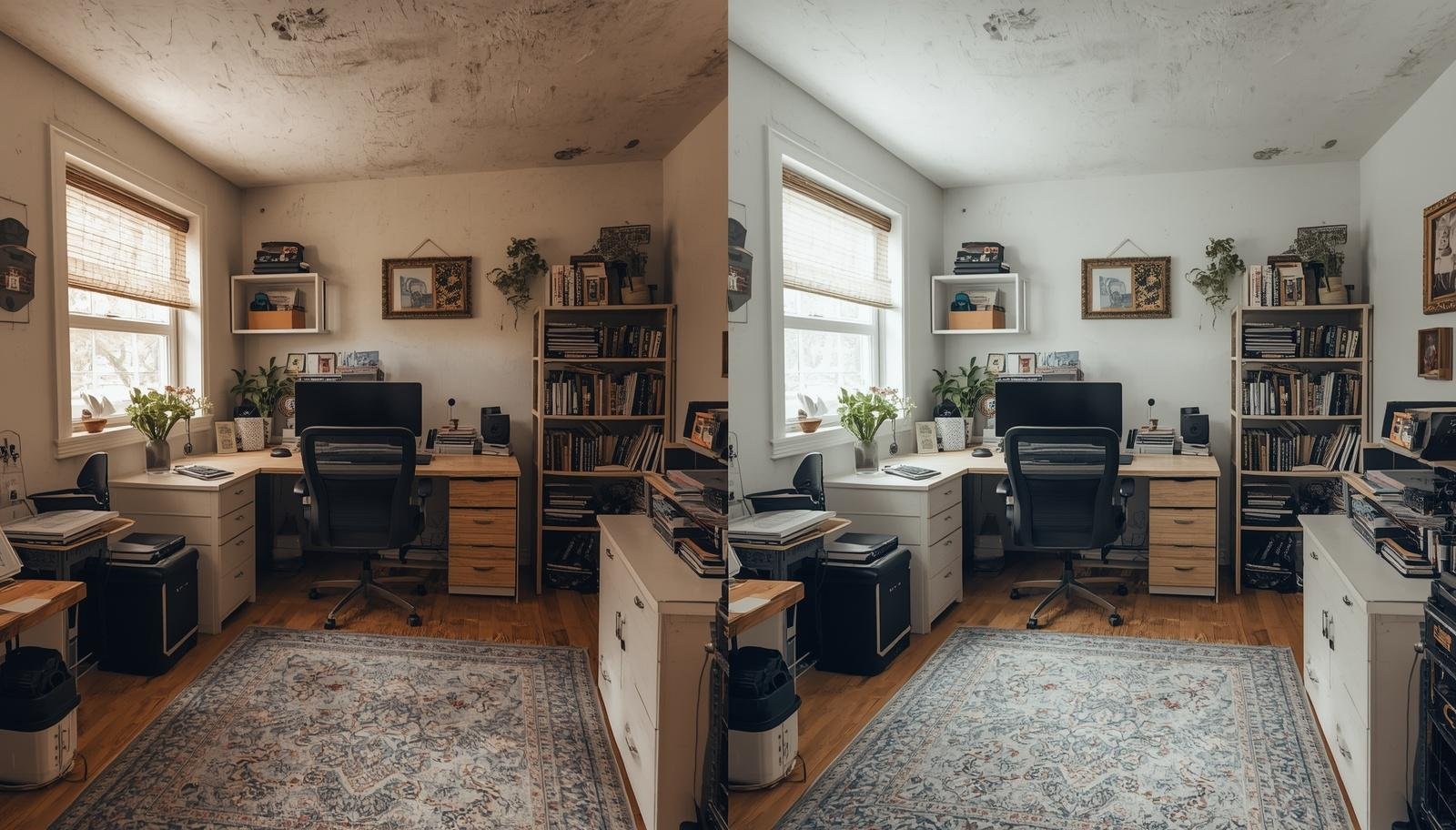
A few simple layout mistakes can quietly ruin your productivity, but fixing them can turn your home office into a space that actually works with you instead of against you.
The chair felt wrong within ten minutes. My back complained, my desk looked cute but useless, and I kept twisting just to grab a pen. Meanwhile, my daughter ran in and out of the room like it was a playground. That setup lasted exactly one week before I admitted something was off.
Most people do not mess up their home office because they are careless. They just throw furniture into a room and hope it magically works. I did the same. And honestly, that approach fails more often than it succeeds.
So let’s talk about the real problem. These are the 8 home office furniture layout mistakes you need to avoid if you want a workspace that actually supports your daily grind.

I used to think buying better furniture would fix everything. Spoiler alert, it did not.
You can own a fancy desk and still feel uncomfortable all day. Layout controls how you move, reach, sit, and focus. It shapes your workflow whether you notice it or not.
Here is what a good layout actually improves:
Takeaway: A great layout beats expensive furniture every single time.

This one seems harmless. It is not.
I placed my desk against a blank wall because it felt neat. Then I realized I was staring at nothing for hours. No light, no energy, just a wall judging me 🙂
Better options include:
Takeaway: Your desk position affects your mood more than you think.
Natural light can help or hurt you depending on placement.
I once sat with a window directly behind me. My screen turned into a mirror, and I spent half the day adjusting brightness instead of working.
Fix it like this:
Takeaway: Light should support your work, not fight it.

More furniture does not equal better productivity. It just creates obstacles.
At one point, I squeezed in extra shelves, a side table, and a decorative chair. Guess what I actually used? The desk. That is it.
Watch out for:
Takeaway: If you have to sidestep your way to your chair, you have gone too far.
This mistake sneaks up on you.
I once placed my printer behind my chair. Every time I needed it, I had to roll back, turn around, and stretch awkwardly. It felt like a mini workout I never asked for.
Think about:
Takeaway: Your workspace should flow naturally, not feel like an obstacle course.

Cables can ruin a layout faster than clutter.
I ignored cable management for months. Then one day, I tripped over a charger while rushing to a call. Not my finest moment :/
Here is what helps:
Takeaway: Clean cable setup equals safer and calmer workspace.
This one hurts because it is so tempting.
I bought a beautiful chair that looked amazing in photos. After two hours of sitting, my back strongly disagreed with that decision.
Balance matters:
IMO, your spine does not care about aesthetics.
Takeaway: If it looks good but feels bad, it is the wrong choice.
Working from home blurs everything fast.
Before I fixed my layout, I worked everywhere. Bed, couch, kitchen table. It made it hard to switch off mentally.
Define clear zones:
Takeaway: Clear zones help your brain separate work from life.
This is the root of most problems.
I used to eyeball everything and hope for the best. It worked about as well as you would expect.
Instead, try this simple approach:
It takes maybe 30 minutes and saves hours later.
Takeaway: A little planning prevents a lot of frustration.
If your setup already feels wrong, do not panic. You probably do not need to buy anything new.
Start small:
I once fixed my entire workspace just by rotating my desk and clearing extra furniture. No budget required.
Takeaway: Small changes can completely transform your workspace.

This part matters more than people admit.
My daughter does not care about my layout plans. She walks in, asks questions, and occasionally tries to “help” with my laptop. So I had to design a space that works in real life, not just in theory.
That meant:
Perfection is not the goal. Function is.
Takeaway: Your home office should fit your life, not fight it.
Most home office problems come down to layout, not furniture. Once you fix how things are arranged, everything else gets easier.
These 8 home office furniture layout mistakes you need to avoid are simple but powerful. Avoiding them can save you time, money, and a lot of daily frustration.
Take a look at your current setup. What feels off? What annoys you every day?
Start there. Fix one thing at a time. And maybe, just maybe, your chair will finally stop fighting you.








