Physical Address
304 North Cardinal St.
Dorchester Center, MA 02124
Physical Address
304 North Cardinal St.
Dorchester Center, MA 02124

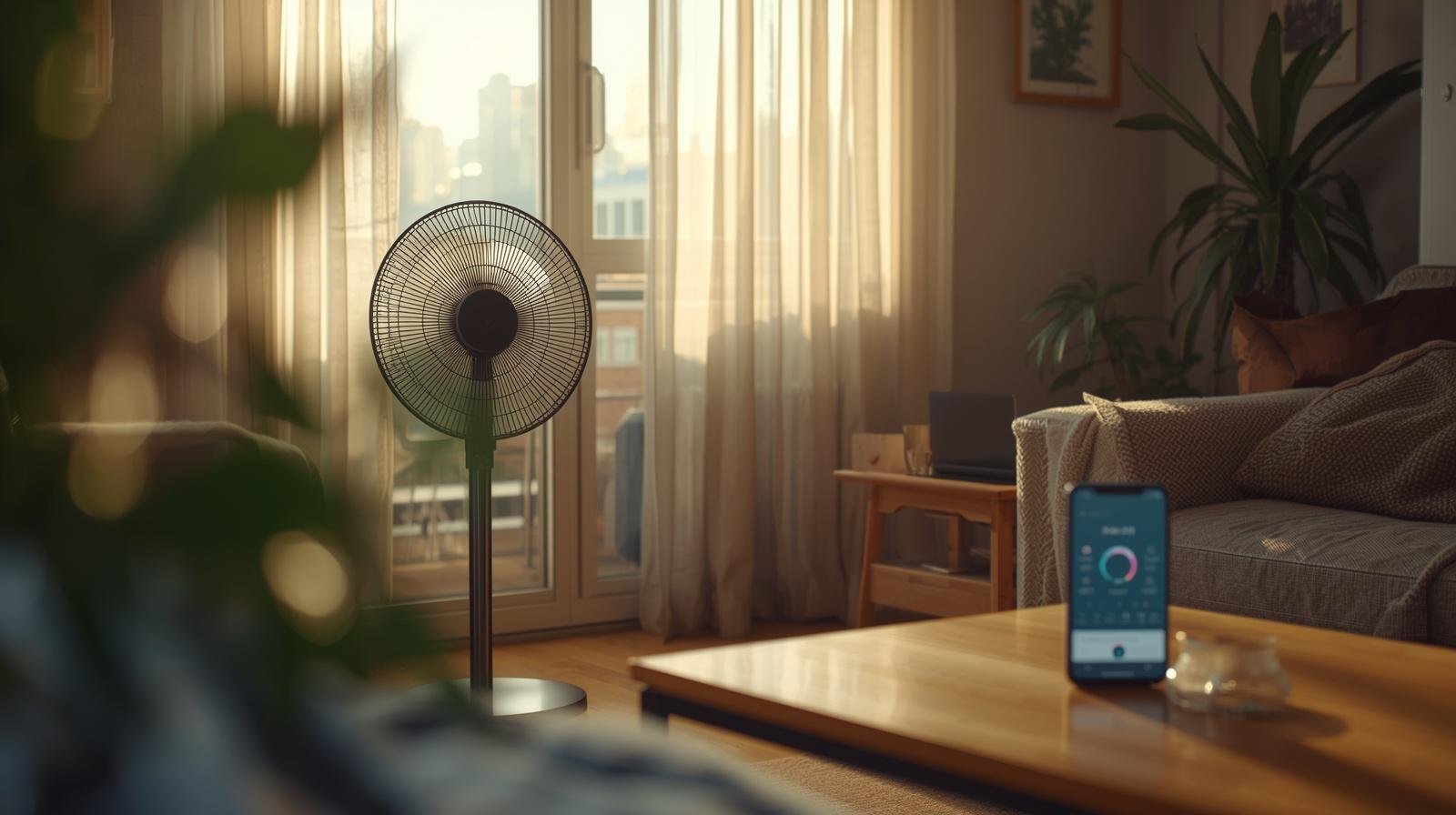
Set a few simple Alexa routines and your home can stay cool on its own without you constantly adjusting fans, windows, and AC.
The AC is running, the fan is on, and you are still walking around adjusting things every hour. One minute it feels fine, the next minute the room turns stuffy again. Meanwhile, you are trying to work, keep the house in order, and answer a child asking for snacks like it is a full-time job.
At some point, I got tired of being the human thermostat. That is when I started setting up simple routines with Amazon Alexa. Not fancy tech stuff, just small automations that handled the basics for me.
If you want a home that stays cool without constant tweaking, these 9 Alexa routines for cooling your home automatically are a solid place to start.
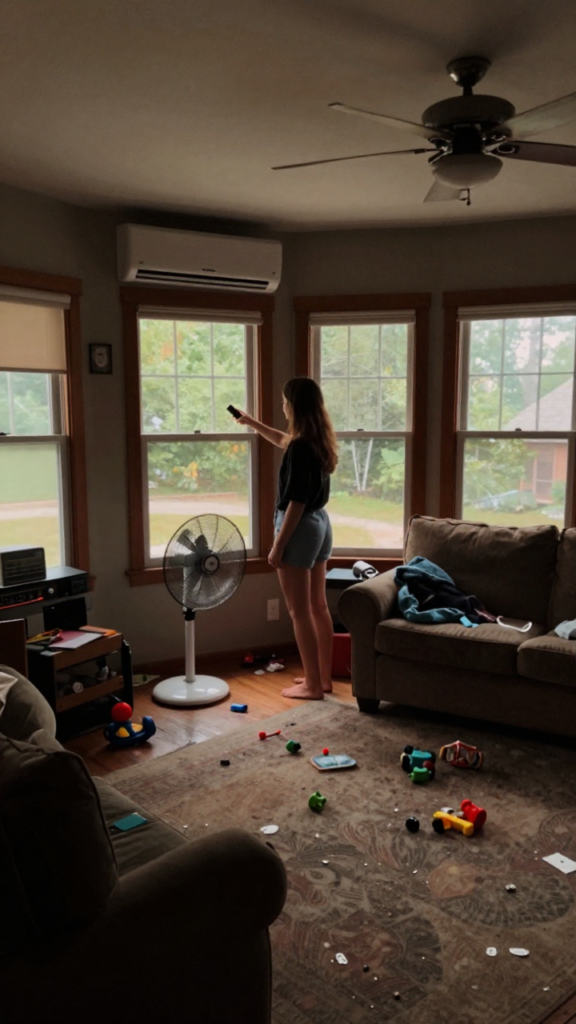
Before we get into the list, here is the thing most people miss. Cooling is not just about turning on the AC. It is about timing, airflow, and small adjustments throughout the day.
That is exactly what routines do.
Instead of reacting to heat, your home starts responding on its own.
Takeaway: Automation works best when it handles small decisions you repeat every day.
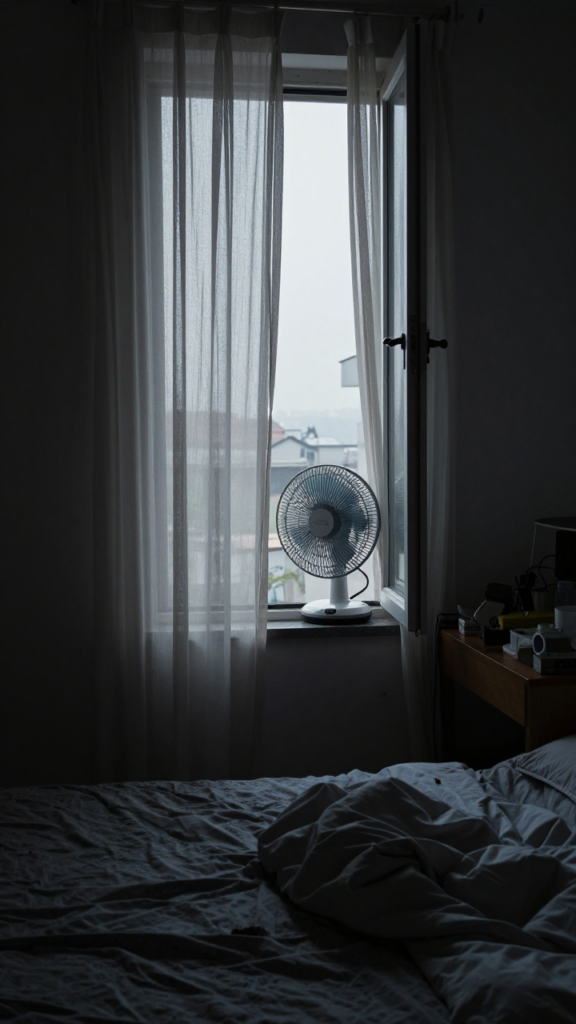
Early mornings are your best chance to cool your home naturally.
Set a routine to:
I set mine around 6:30 AM. The air feels fresh, and the house starts the day cooler without using much energy 🙂
Takeaway: Use early morning air instead of fighting midday heat.

By late morning, sunlight starts heating everything.
Your routine can:
I used to forget this step all the time. Now it happens automatically, and the house stays stable.
Takeaway: Prevent heat instead of reacting to it later.
Instead of changing settings all day, let your system do it.
Set rules like:
This saved me both energy and mental energy. No more guessing what temperature makes sense.
Takeaway: Consistency beats constant manual changes.
Afternoons are usually the worst.
Set your routine to:
I noticed this helps more than just lowering the AC. The air feels less heavy, which matters more than numbers on a screen.
Takeaway: Moving air feels cooler than still air.
Cooking can heat up your whole house fast.
Create a routine that:
I set this around dinner prep hours. It keeps the kitchen from turning into a sauna.
Takeaway: Control heat sources as they happen.
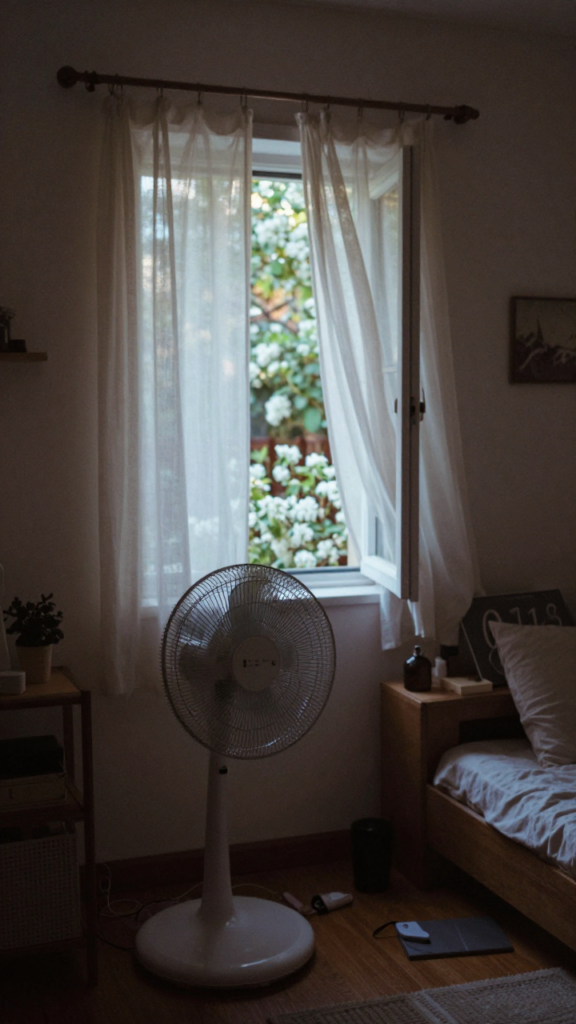
Evenings are your second chance to cool things down.
Set your routine to:
This became one of my favorites. The house feels lighter, almost like it can breathe again 🙂
Takeaway: Let cooler evening air do the work for you.
Sleep gets tricky in summer.
Your routine can:
I used to wake up sweating or freezing. This routine fixed both.
Takeaway: Small adjustments at night improve sleep more than extreme cooling.
This one feels obvious, but most people skip it.
Set your routine to:
As a mom, I learned quickly that we only use a few rooms most of the time. Cooling everything equally made no sense IMO.
Takeaway: Focus cooling where life actually happens.
Some days just hit harder than expected.
Set a trigger for:
This routine acts like a backup plan. You do not have to scramble when things heat up fast :/
Takeaway: A quick response prevents bigger discomfort later.
You do not need a complicated system to make this work.
Start simple:
My setup did not happen overnight. I added things step by step, testing what actually helped.
Takeaway: Start small and build routines around your real life, not a perfect system.
After using these Alexa routines for cooling your home automatically, the difference felt practical, not dramatic.
Here is what changed:
And honestly, it freed up mental space. I was not constantly thinking about whether the house felt too warm.
Takeaway: The best routines remove small daily annoyances you did not realize were draining you.
Cooling your home should not feel like a full-time job. If you are adjusting fans, AC, and windows all day, something is off.
Start with one routine. Let it run for a few days. Notice how your home responds.
Then build from there. Before long, your space will feel cooler without you constantly stepping in. And that is the real goal.
I also put together a guide on smart home cooling ideas that help save energy in summer, you might want to check it out later.