Physical Address
304 North Cardinal St.
Dorchester Center, MA 02124
Physical Address
304 North Cardinal St.
Dorchester Center, MA 02124

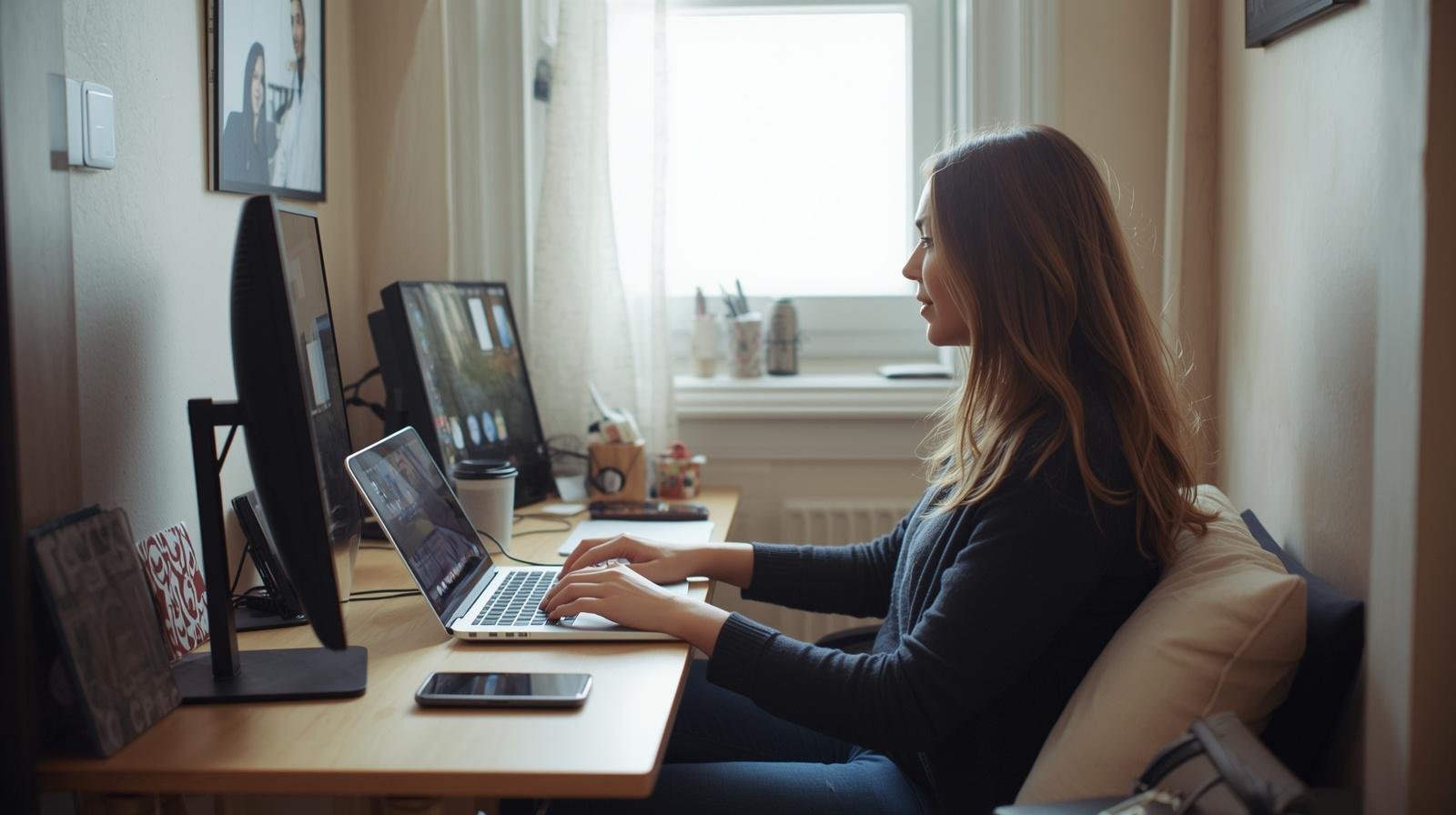
These digital nomad desk essentials help you stay productive and organized even when you are working with limited space.
The table was barely big enough for my laptop, and somehow I still managed to make a mess out of it. Coffee on one side, charger tangled on the other, and no space left to move my mouse without knocking something over.
That is the reality of working in small spaces. It looks simple from the outside. Just a laptop and WiFi, right? But once you actually try to work like that every day, it gets frustrating fast 🙂
So I stopped trying to fit a full office into a tiny space. I focused on what actually matters. These 10 digital nomad desk setup essentials for small spaces helped me work comfortably without turning every surface into chaos.

Small spaces do not forgive clutter.
Every item you add has to earn its place. If it does not help your workflow, it gets in the way.
I realized this while working from a small apartment corner while my daughter played nearby. The tighter the space, the more intentional I had to be.
Takeaway: In small spaces, less is not just better, it is necessary.
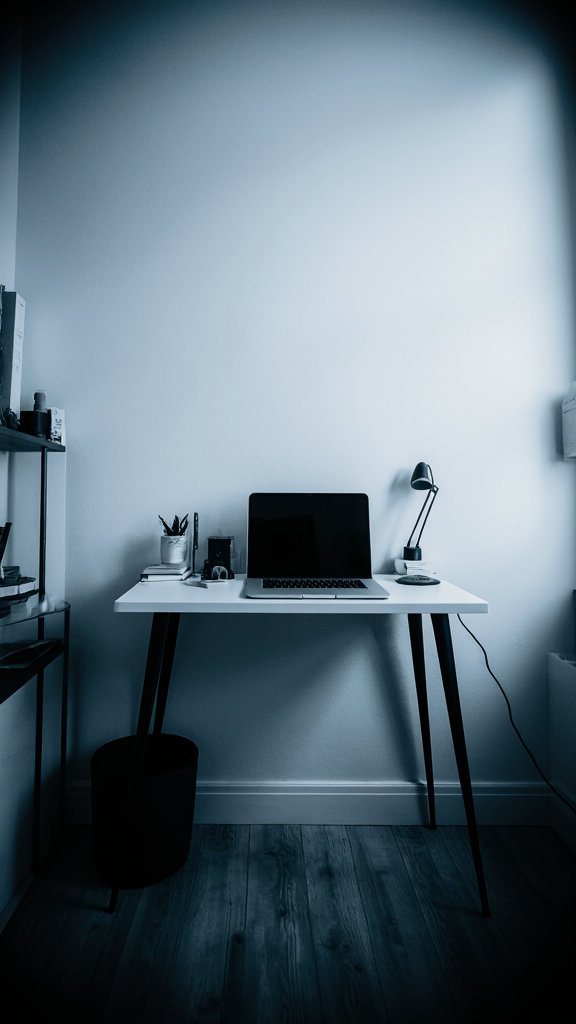
Working flat on a table strains your neck.
A compact stand lifts your screen without taking much space.
It instantly made my setup feel more comfortable.
Takeaway: A small ergonomic upgrade can change your whole workday.
Trackpads slow you down over time.
A wireless mouse gives better control without adding clutter.
It is simple, but I notice when I do not have it.
Takeaway: Better control leads to smoother work.
Typing on a laptop in tight spaces feels cramped.
A foldable keyboard gives you flexibility.
It creates a more comfortable setup.
Takeaway: Comfort helps you stay focused longer.
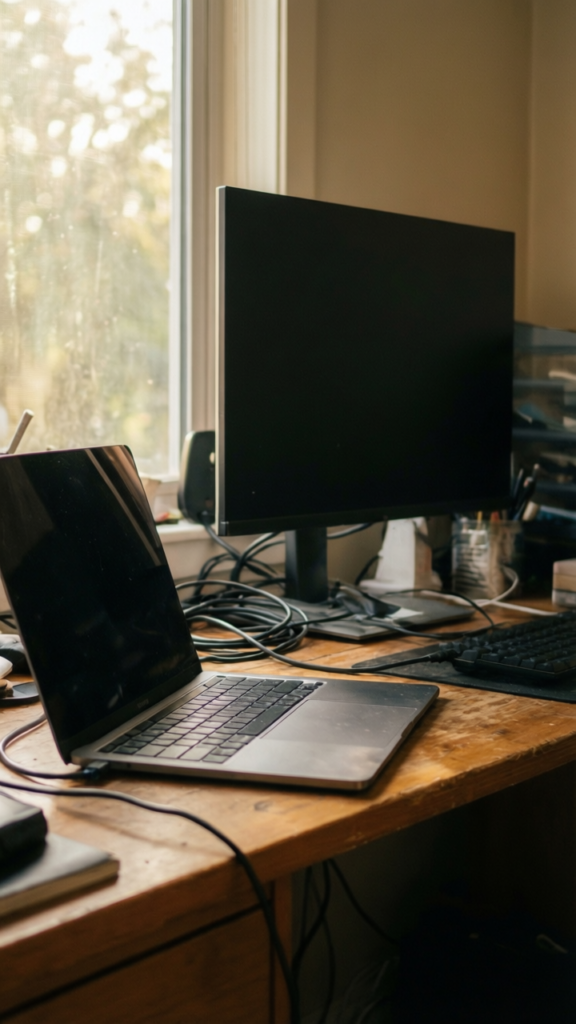
One screen feels limiting in a small setup.
A portable monitor adds space without adding bulk.
It is worth the space it takes.
Takeaway: Extra screen space reduces mental overload.
Loose items create visual clutter fast.
A small tray keeps everything contained.
It keeps the desk from feeling chaotic.
Takeaway: Contain your items to control your space.
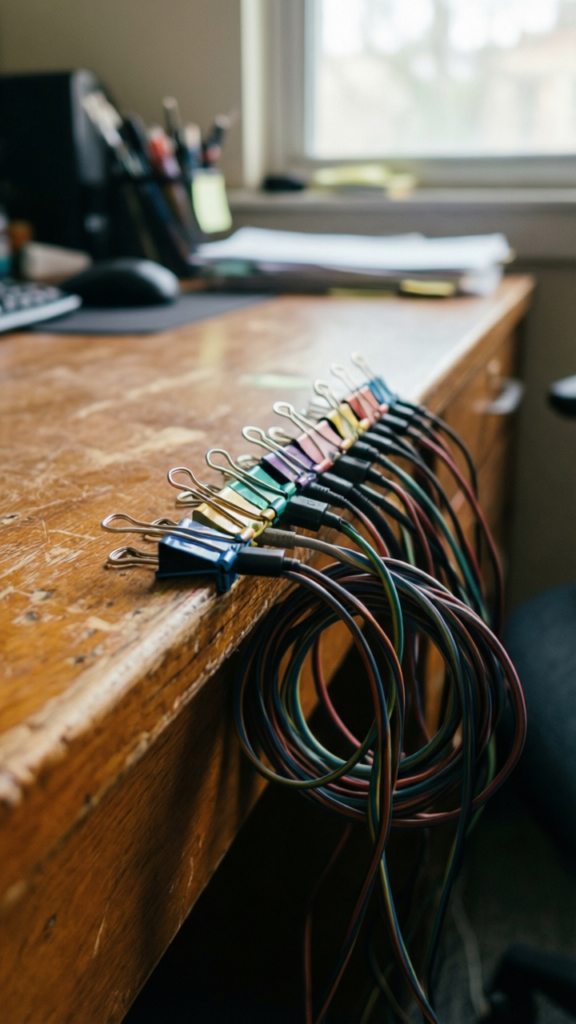
Cables are the quickest way to ruin a clean setup.
They tangle, fall, and get in your way.
This made my desk feel instantly cleaner.
Takeaway: Manage cables or they will manage you.
Lighting affects your focus and comfort.
Bad lighting makes everything harder.
It helps me work better in any space.
Takeaway: Good lighting is part of a functional setup.
Modern laptops often lack ports.
You need a way to connect everything.
It keeps everything connected without clutter.
Takeaway: One adapter replaces multiple bulky accessories.
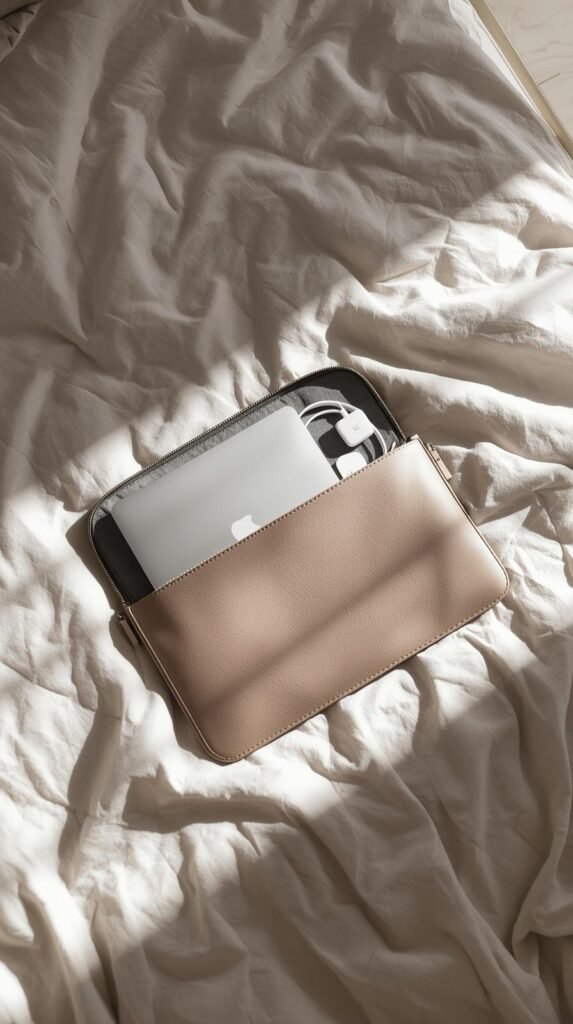
Carrying your setup in one place makes life easier.
A sleeve with pockets keeps things organized.
It reduces the chance of forgetting something.
Takeaway: Keep your essentials together and ready to go.
Digital tools are great, but sometimes writing helps.
A small notebook keeps ideas organized.
It is simple, but still useful.
Takeaway: Keep a simple backup for your thoughts.
Each item on its own is helpful.
But together, they create a setup that feels clean, functional, and easy to manage.
Here is what changed for me:
And honestly, that matters more than having a fancy setup. IMO, a simple desk that works is better than a perfect one that does not.
Takeaway: A small, intentional setup beats a crowded one every time.
Working in small spaces is not always easy.
But it becomes manageable when you focus on what actually matters. Not more tools, just better ones.
Start with a few essentials. Remove what you do not need. Adjust as you go.
Because at the end of the day, your setup should support your work, not make it harder 🙂
If you are looking for desk setup ideas that actually work in hot weather, I put together a post on that you might want to check out.