Physical Address
304 North Cardinal St.
Dorchester Center, MA 02124
Physical Address
304 North Cardinal St.
Dorchester Center, MA 02124

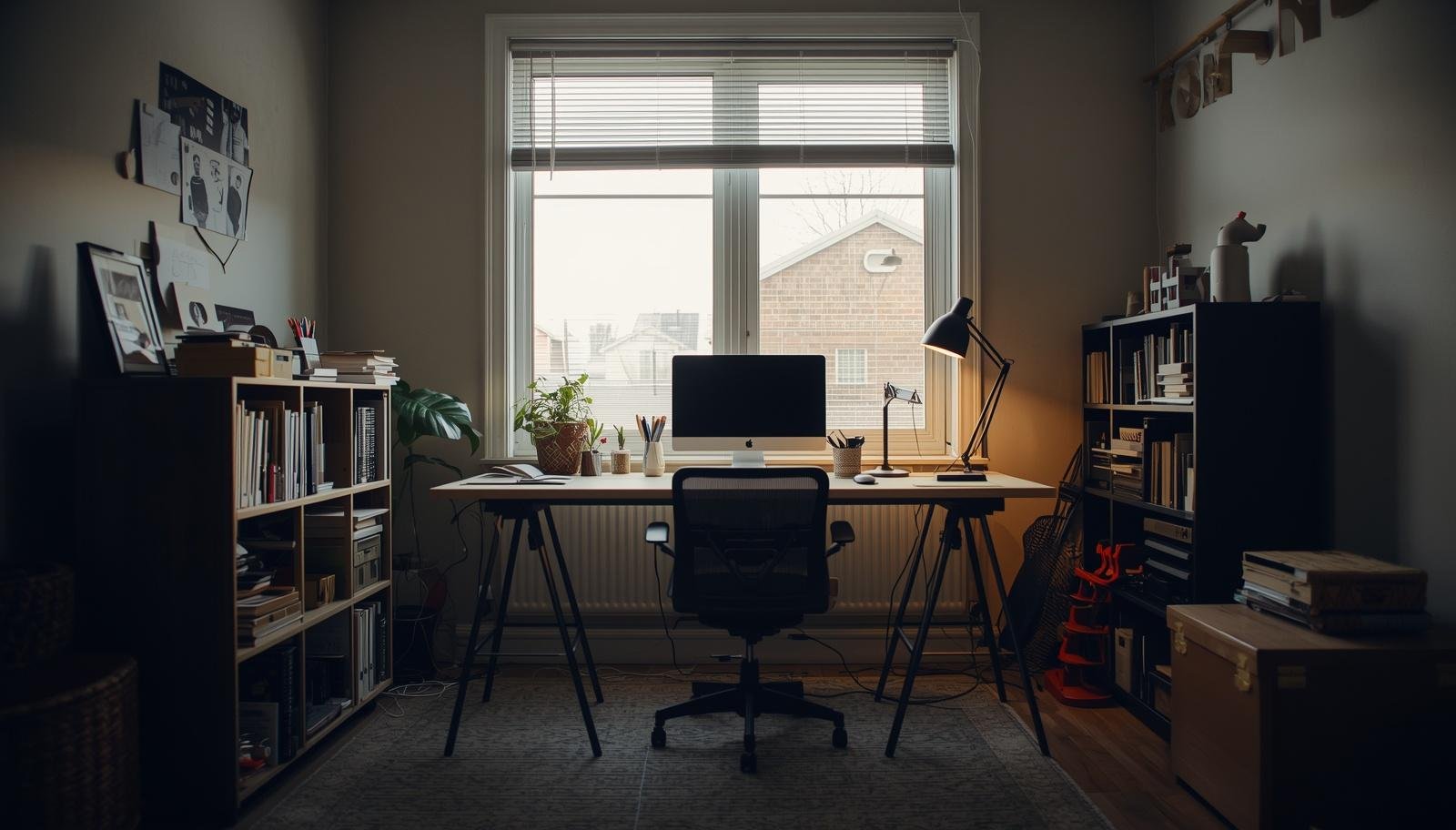
A better remote work setup is not about adding more things, it is about arranging your space in a way that quietly removes friction from your everyday work.
The laptop overheats. The chair feels wrong again. Someone knocks on the door right when you finally focus. You look around and realize the setup is the problem, not your discipline.
Most of us didn’t plan our remote work setup. We just made it work. A desk here, a chair there, and somehow it stuck.
But after a while, you feel it. The friction. The constant small annoyances that slow you down. That’s when layout starts to matter more than anything else.
These are 7 trending office layout ideas for the ultimate remote work setup that actually hold up in real life. Not perfect. Just practical.


You think facing the wall helps you concentrate. Sometimes it just makes you tired.
I switched my desk to face the window. Not directly in front, slightly angled. It changed how I worked without trying too hard.
The light keeps you awake. The outside view gives your brain small breaks without scrolling your phone. It sounds simple because it is.
Takeaway: Natural light beats artificial focus tricks every time.

Corners get ignored. Which is strange because they solve half your space problems.
I pushed my desk into a corner one week out of frustration. Suddenly everything had a place. It felt contained in a good way.
Add a couple of shelves above and you’re set. It feels like your own little control station.
Takeaway: Corners turn wasted space into structure.

Working in the same spot all day messes with your head. You don’t notice it until you feel stuck.
I added a second zone. Nothing fancy. Just a chair and a small table on the other side of the room.
It helps more than you expect. You move, your brain resets, and work feels less heavy.
Takeaway: Even small spaces need mental separation.
This one sounds clean. It also sounds unrealistic. But it works if you stay honest.
I tried going minimal and failed the first time. Too many things I thought I needed. Turns out, I didn’t.
That’s it. No extra decor, no backup items just in case.
It feels empty at first. Then it feels calm. IMO, this is the easiest way to reduce daily friction.
Takeaway: Fewer items mean fewer decisions during the day.
If your desk is drowning, your walls are probably empty.
I ignored vertical space for years. Then I added shelves and hooks. The desk finally breathed again 🙂
Keep the lower area clear. Let your eyes rest when you sit down.
Takeaway: Vertical space saves your desk from chaos.

This one is personal.
Working from home with a kid means your setup needs flexibility. Not perfection. My daughter walks in, sits down, asks questions, leaves toys behind. It’s real life.
So I stopped fighting it.
Now the space adapts instead of breaking.
Takeaway: A good setup works with your life, not against it.
Bad lighting ruins everything. Even a perfect desk setup feels off.
I used one ceiling light for months. It made every day feel flat and slightly annoying.
The room changes with your energy. Bright when you need it. Soft when you don’t.
Takeaway: Lighting shapes your mood more than your furniture does.
You don’t need all seven ideas. You need the right combination.
Start simple.
Then adjust one thing at a time. Don’t rebuild everything in one day. That usually leads to regret.
Takeaway: Small changes reveal what actually works.
I made most of these myself. So here you go.
These sound obvious. They still happen all the time.
Takeaway: Fix the basics before chasing trends.
A good remote work setup doesn’t look impressive. It feels easy.
Here’s what matters most:
When I finally got this right, work stopped feeling like a constant adjustment. I sat down and just started. That alone changed everything.
Your setup shapes your day more than your motivation does.
You can keep pushing through a bad layout. Or you can fix the space and make work feel lighter without trying so hard.
Move one thing today. Just one. Then see what changes.








