Physical Address
304 North Cardinal St.
Dorchester Center, MA 02124
Physical Address
304 North Cardinal St.
Dorchester Center, MA 02124

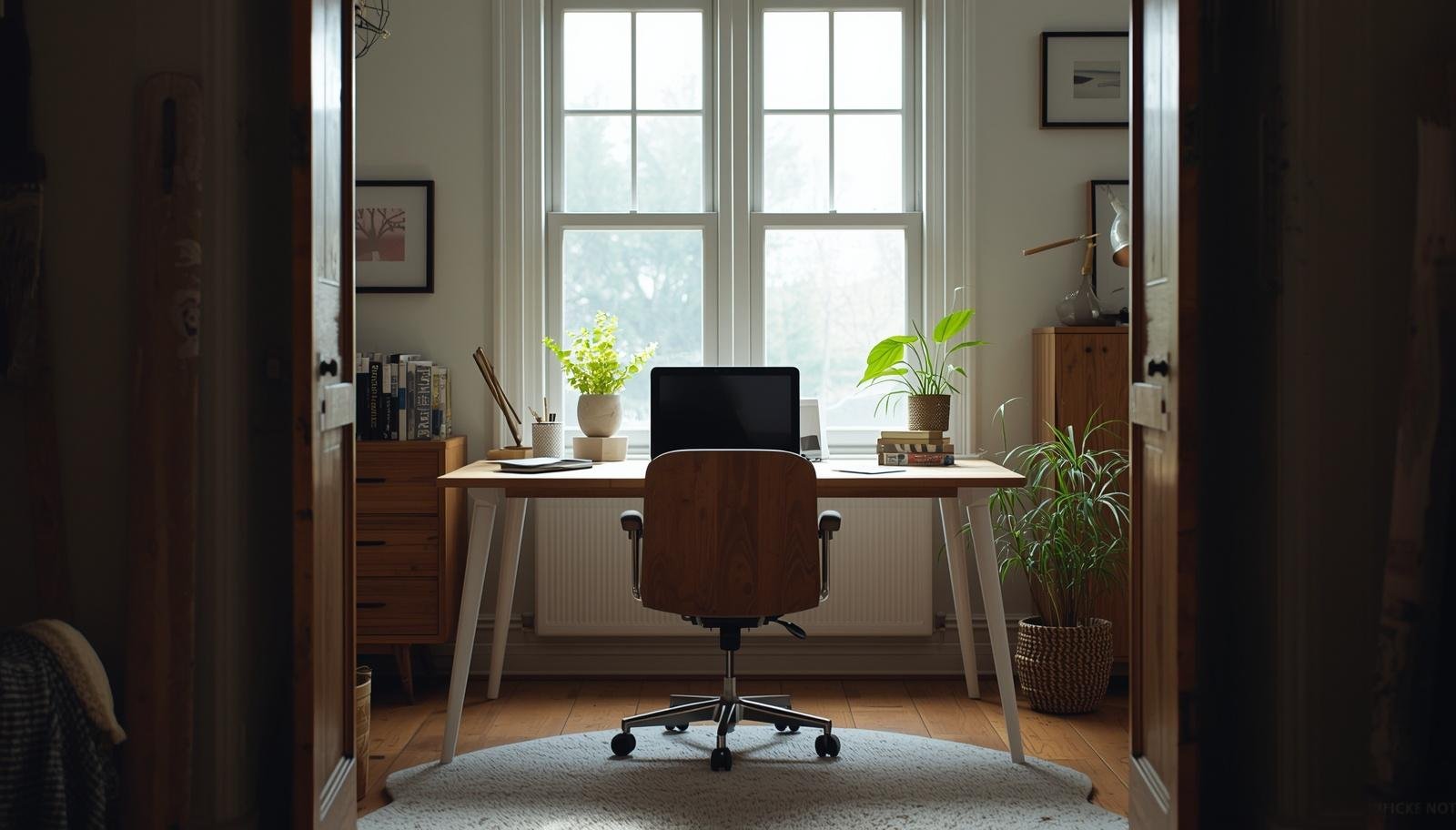
Designing a home office that works is less about perfect furniture and more about arranging your space so it quietly supports your daily routine.
The desk looks nice. The chair is expensive enough. You sit down, ready to get things done, and within minutes you start adjusting everything.
The light feels wrong. Your arm hits something. You shift your chair again.
You tell yourself to just focus. But deep down, you know the space is the problem.
Most people do not struggle with work. They struggle with a setup that quietly works against them.
If you have ever wondered how to design home office spaces that actually feel right, these 10 essential rules will save you a lot of trial and error.


Most people buy furniture first. That is backward.
Light decides how your space feels before anything else.
I worked in a dim corner for months thinking it was fine. It was not.
It wakes you up without effort.
Takeaway: Light shapes your focus before anything else does.
Your desk is not just a surface. It is your base.
If it feels off, everything feels off.
I moved mine several times before it finally clicked.
Takeaway: A well-placed desk makes the whole room easier to use.
A good chair in a bad spot still feels bad.
I used to push mine into tight areas to save space. It made everything worse.
It sounds simple. It matters more than you think 🙂
Takeaway: Comfort comes from space, not just furniture quality.

If your desk feels crowded, your walls are probably empty.
I ignored this for too long. Then I added shelves and things changed fast.
You gain space without adding clutter.
Takeaway: Walls carry the load so your desk stays clear.
This is where most people struggle.
You want everything nearby. But too much slows you down.
Everything else should have its own place.
FYI, the random pile you keep moving around is not helping 🙂
Takeaway: A clean desk leads to clearer thinking.

Working in one spot all day drains your energy.
I added a small second area for reading and calls. It was basic, but it worked.
It gives your brain a break without leaving the room.
Takeaway: Zones help you reset without losing momentum.
One light source is not enough.
I learned this after dealing with eye strain for weeks.
The room adjusts to your day instead of fighting it.
Takeaway: Good lighting supports long work sessions.
Big furniture can ruin a small room fast.
I once bought a desk that looked great online. It took over everything.
The room should feel usable, not packed.
Takeaway: Fit matters more than size.

Not every corner needs something.
Empty space helps your eyes rest and your mind relax.
I resisted this idea at first. Then I got it :/
Takeaway: Empty space is part of good design.
This is the rule most people ignore.
You set up your office once and expect it to stay perfect.
That never happens.
With a kid around, I learned this quickly. Things shift, and so should your space.
No setup stays perfect forever.
Takeaway: A good office evolves with your routine.
You will notice it in small ways.
You sit down and start working without adjusting five things first.
That is the goal.
Takeaway: A good design disappears while you work.
These are easy to miss but hard to live with.
I made all of these mistakes.
They feel small until they start affecting your day.
Takeaway: Small design issues create constant friction.
Designing a home office is not about copying a perfect setup.
It is about making your space easier to use every day.
Here is what matters most:
Once you get this right, work feels smoother.
IMO, that is what you actually want.
Your workspace should support you without asking for attention.
If you notice your setup all the time, something needs to change.
Move one thing today. Shift your desk. Clear a corner. Adjust your light.
Then sit down again and see how it feels.








