Physical Address
304 North Cardinal St.
Dorchester Center, MA 02124
Physical Address
304 North Cardinal St.
Dorchester Center, MA 02124

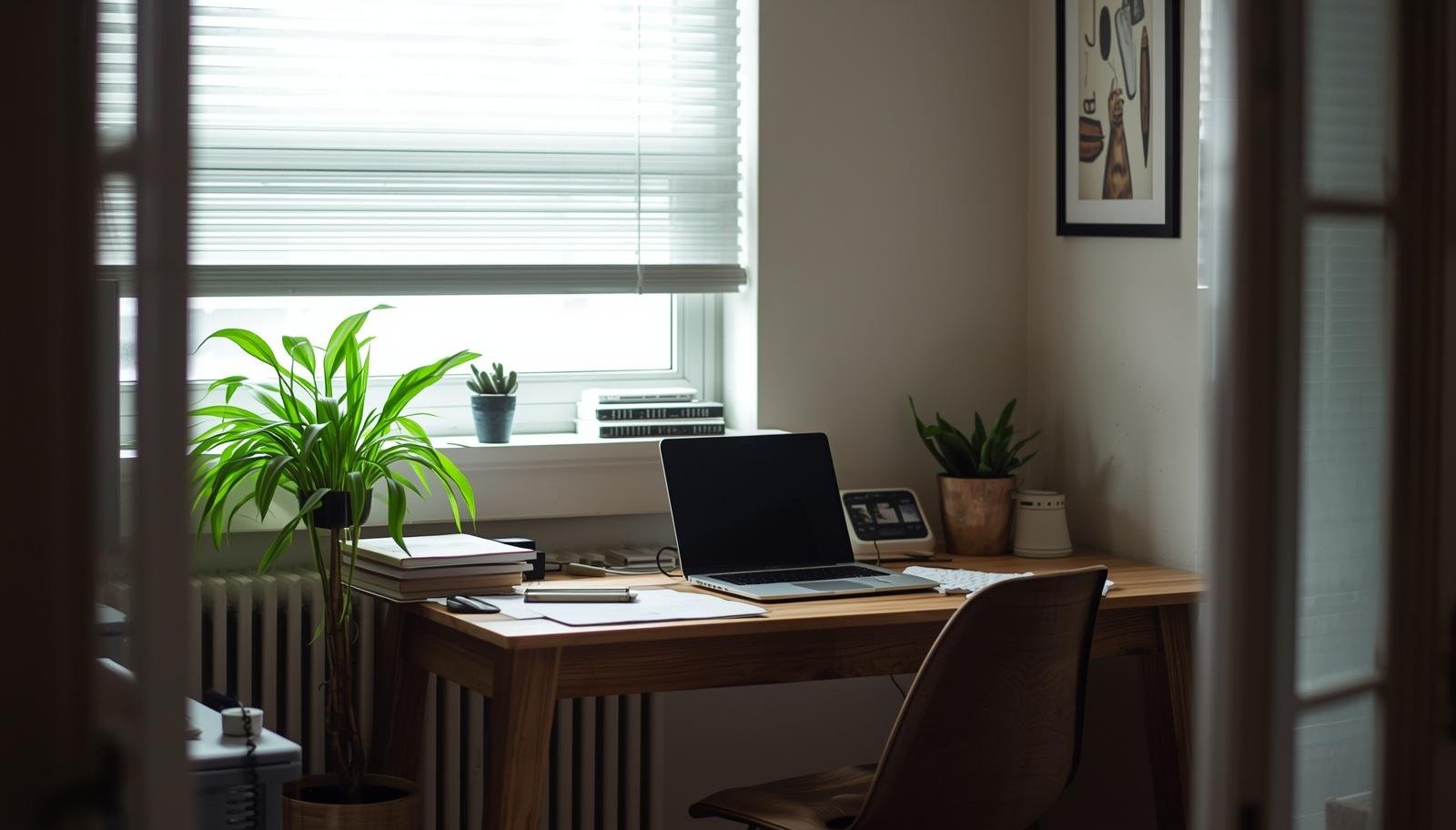
The right workspace layout can quietly transform your daily workflow from frustrating and scattered into something smooth, focused, and surprisingly enjoyable.
The coffee is ready, your laptop is open, and somehow you already feel behind. You shift in your chair, move your mouse, adjust a notebook that keeps sliding off the desk, and suddenly you are annoyed before the day even starts. That used to be my daily routine, and honestly, it had nothing to do with motivation.
It was the layout.
Once I started changing how my workspace was arranged, everything felt easier. Not perfect, just smoother. If your day feels harder than it should, your setup might be working against you.
Let’s go through 12 workspace layout ideas to improve your daily workflow that actually make a difference in real life.

People often blame distractions or lack of focus. Sometimes the real issue sits right in front of you.
A bad layout:
A good layout:
I used to think I needed better discipline. Turns out I needed a better desk setup. Slightly humbling, but also fixable.
Takeaway: Your environment shapes your workflow more than your willpower does.

This is the simplest and most underrated setup.
Everything lines up along one wall. Your desk, storage, and tools stay within a straight path.
I switched to this when my desk started feeling like a dumping ground. Keeping things in one line made it easier to stay organized without trying too hard.
Takeaway: Keep it simple and let your layout do the heavy lifting.
Corners are quiet. That alone makes them valuable.
This setup limits distractions because your view stays controlled. It feels like a little work bubble.
IMO, this works great if you get distracted easily or work in a busy home.
Takeaway: Use corners to create focus without adding walls.

Natural light changes your mood fast.
I moved my desk toward a window after one too many dull afternoons. It felt like my brain finally woke up.
Also, it helps your posture because you naturally look up more often.
Takeaway: Let natural light carry part of your productivity.

Doing everything in one spot gets tiring.
Split your space into two zones:
Even in a small room, this can work with a chair or small bench.
I added a tiny chair in my office and suddenly breaks felt intentional instead of accidental scrolling. My daughter uses it more than I do now, but it still counts 🙂
Takeaway: Separate work and rest, even if the space is small.
This one is harder than it sounds.
I resisted this because I like having things nearby. But once I tried it, I noticed fewer distractions and faster starts each morning.
FYI, it also makes your space look instantly better.
Takeaway: A clean desk equals a clearer mind.
More surface, less chaos. That is the goal.
I use one side for computer work and the other for planning. It keeps things from blending into one messy pile.
Takeaway: Use an L shape to organize tasks, not just add space.
Running out of space? Look up.
I used to stack everything on my desk. Moving storage upward changed everything. The desk became usable again, which felt like a win.
Takeaway: Use your walls to free your desk.
Sometimes you need flexibility more than structure.
This works well if you share space or like changing environments. I tried this during a phase when my daughter needed more room, and it helped more than I expected.
Takeaway: Flexibility can improve workflow when space is shared.

Small and enclosed can be a good thing.
It feels like a quiet corner just for work. Less visual noise means better focus.
It is not for everyone, but if you like cozy spaces, this one feels surprisingly productive.
Takeaway: A snug space can boost deep focus.
Some people need space to think.
I tried this when I felt boxed in. It made the room feel lighter and easier to move around in.
This works best if clutter stresses you out.
Takeaway: Open space can reduce mental pressure.
Not all work is the same. Your layout should reflect that.
I started separating tasks physically and noticed I switched between them more intentionally.
No more mixing everything into one chaotic zone.
Takeaway: Assign spaces to tasks to improve focus.
This one matters more than people admit.
Your workspace should not feel like a generic office. It should feel like a place you want to sit in.
IMO, this is what turns a functional setup into a space you actually enjoy.
Takeaway: Make your workspace personal so you actually want to use it.
No matter which layout you choose, these tweaks matter.
Use warm lighting for a softer feel. Harsh light makes everything feel tiring.
Messy cables ruin the look and feel of your space. Hide them whenever possible.
Make sure you can move freely without hitting anything. It sounds obvious, but it is easy to ignore.
Take two minutes at the end of the day to reset your desk. Future you will appreciate it 🙂
Takeaway: Small habits support a good layout.
I made all of these at some point.
Your needs change, so your layout should too.
Takeaway: What worked last month might not work now. Adjust often.
Improving your workflow does not always require new tools or better time management. Sometimes it starts with how your space is set up.
These 12 workspace layout ideas to improve your daily workflow give you options that fit different styles, spaces, and habits. You do not need to try all of them. Just start with one and see how it feels.
Move things around. Test what works. Keep what helps.
Because at the end of the day, your workspace should support your life, not quietly make it harder.








