Physical Address
304 North Cardinal St.
Dorchester Center, MA 02124
Physical Address
304 North Cardinal St.
Dorchester Center, MA 02124

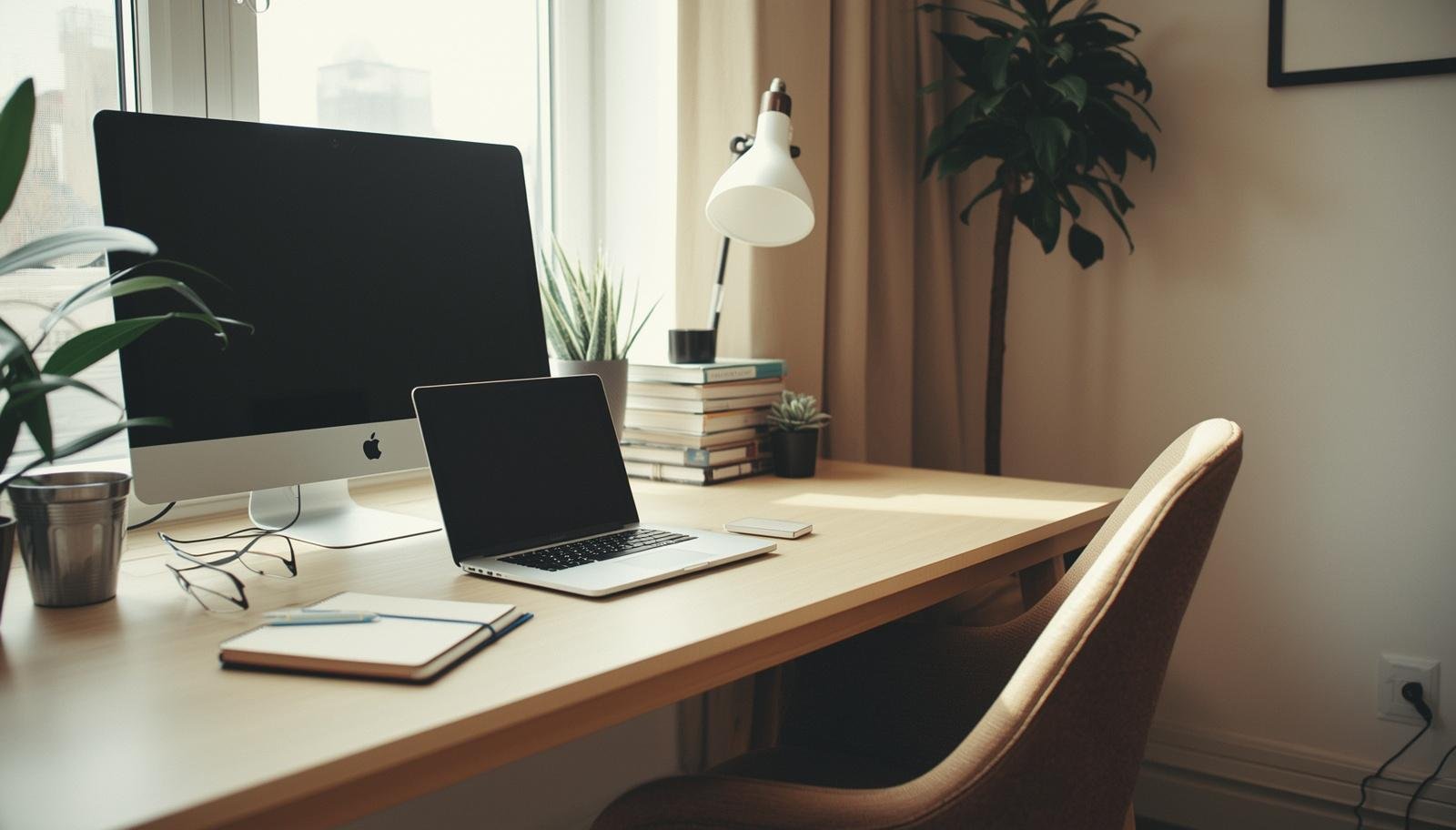
A simple, practical guide to building a work-from-home office setup that reduces daily friction and helps you stay focused, comfortable, and consistent.
The laptop is open, but you are half sitting, half slouching on a chair that was never meant for work. The lighting is weird. The desk is crowded. You keep adjusting your position like that will somehow fix everything.
At some point, you realize the problem is not your motivation. It is your setup.
Most of us start working from home with whatever we have. Then we slowly feel the friction. These 8 essential steps for the ultimate work from home office setup come from fixing that friction piece by piece in my own home while balancing deadlines and mom life.
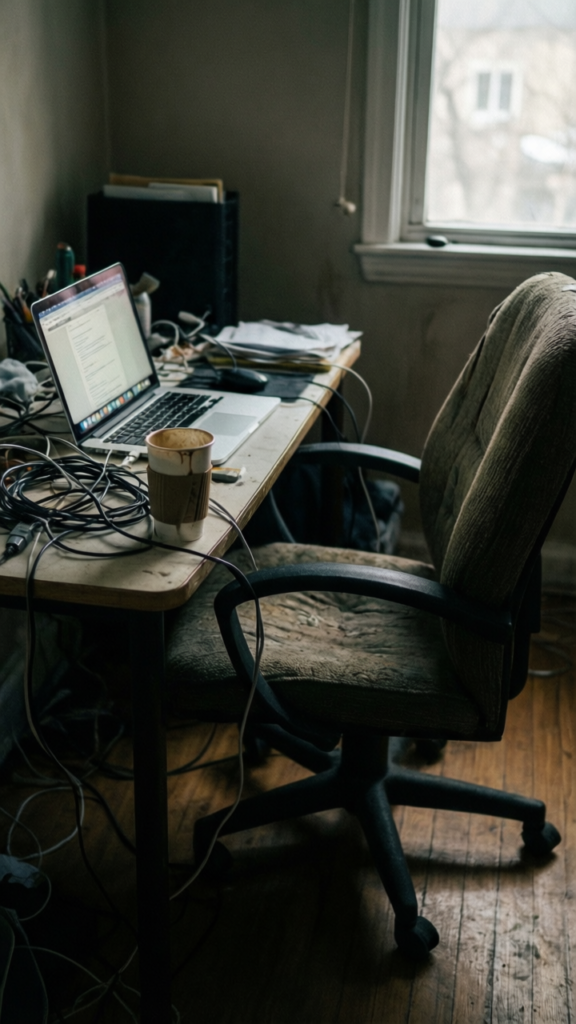
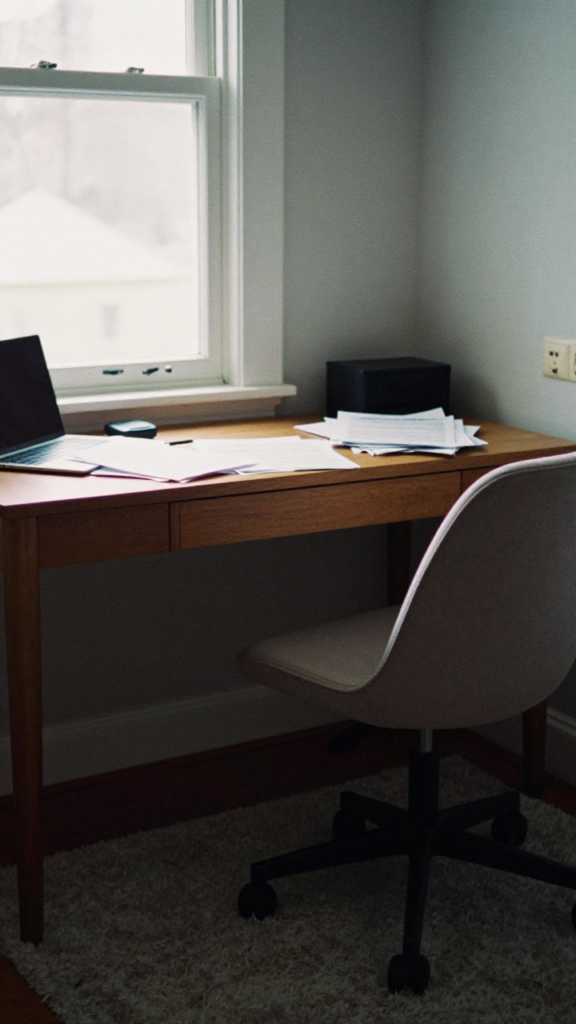
I used to work at the dining table, the couch, even the bed on lazy days. It felt flexible, but it destroyed my focus.
Once I claimed a specific spot, everything changed.
Your brain needs that separation.
Takeaway: A dedicated workspace helps you switch into work mode faster.
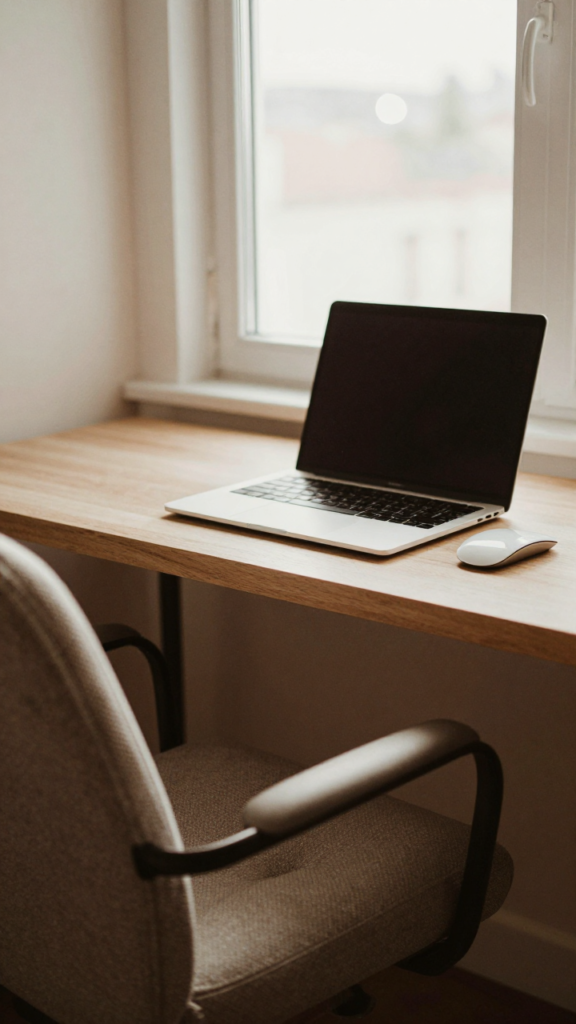
I tried using a small table for too long. It looked fine, but it never felt functional.
Think about how you actually work.
You do not need a fancy desk, just the right one.
Takeaway: Your desk should support your workflow, not limit it.
I ignored this step at first. Big mistake.
After weeks of discomfort, I finally upgraded my chair. It made an immediate difference.
Comfort is not optional if you work long hours.
Takeaway: A supportive chair protects your energy and focus.
I used to rely on one overhead light. It made everything feel dull and tiring.
Then I added better lighting and suddenly work felt easier.
FYI, lighting affects your mood more than you expect.
Takeaway: Good lighting keeps you alert and reduces eye strain.
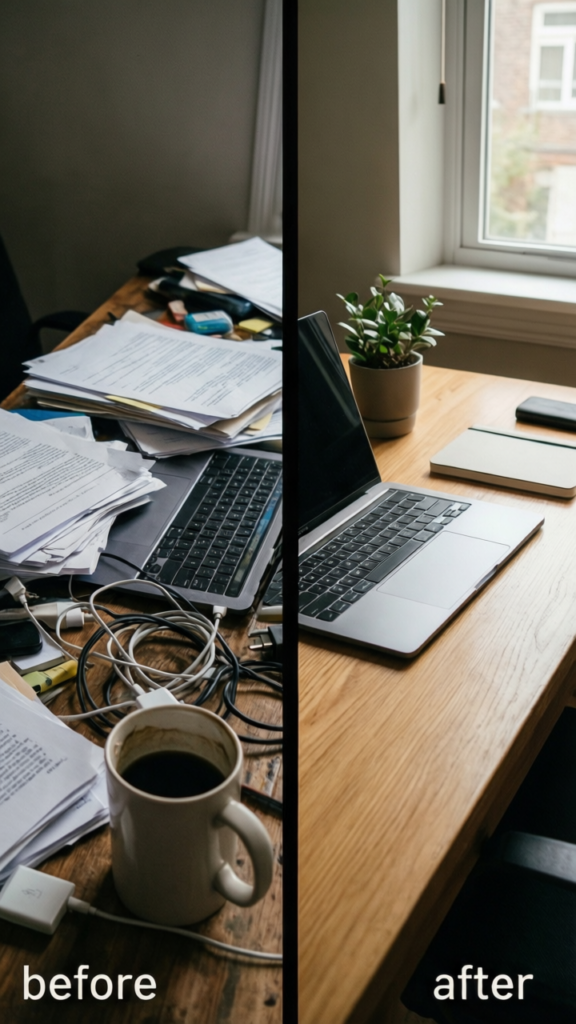
My desk used to collect everything. Papers, cables, random items that had no business being there.
Once I simplified it, I could think clearly again.
Less visual noise equals better focus.
Takeaway: A clean desk creates a calm working environment.
You do not need the latest gadgets. You just need a setup that works smoothly.
I upgraded slowly, focusing on what actually helped.
IMO, comfort and efficiency matter more than flashy gear.
Takeaway: Smart tech choices improve your workflow without overspending.
Working from home is not just about work. It is about everything happening around you.
My setup had to adapt once my daughter started needing more attention during the day.
Your space should work with your life, not against it.
Takeaway: A flexible setup helps you stay productive in real life situations.
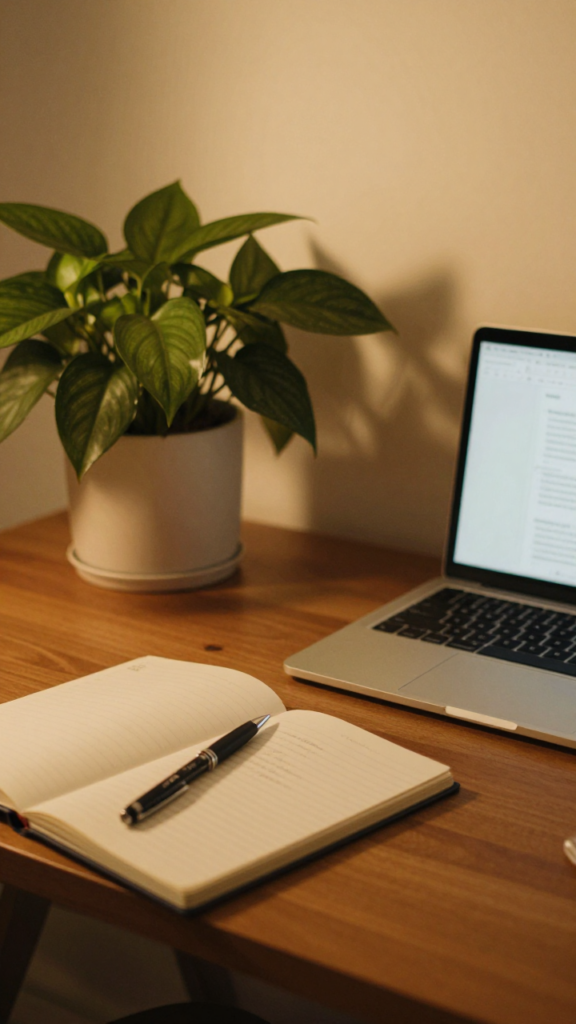
This part gets overlooked, but it matters.
I added a plant and a small personal touch, and it made my workspace feel less like a chore.
A little effort here goes a long way 🙂
Takeaway: A comfortable and inviting space keeps you consistent.
Even with the best intentions, a few habits can throw everything off.
I have done all of these. None of them helped, obviously :/
Takeaway: Avoiding mistakes is just as important as setting things up right.
Once I followed these steps, my workdays felt smoother. Not perfect, but manageable.
I stopped constantly adjusting my position. I focused longer. I finished work with less frustration.
And that matters when you are balancing work and family. You want your energy back at the end of the day.
Takeaway: A well-designed home office supports both productivity and well-being.
Creating the ultimate work from home office setup is not about perfection. It is about removing friction so you can focus on what matters.
These essential steps for the ultimate work from home office setup are simple, but they work when you apply them consistently.
Start small. Fix one thing today. Improve another tomorrow.
Because the goal is not a perfect office. It is a space that helps you do your best work.








