Physical Address
304 North Cardinal St.
Dorchester Center, MA 02124
Physical Address
304 North Cardinal St.
Dorchester Center, MA 02124

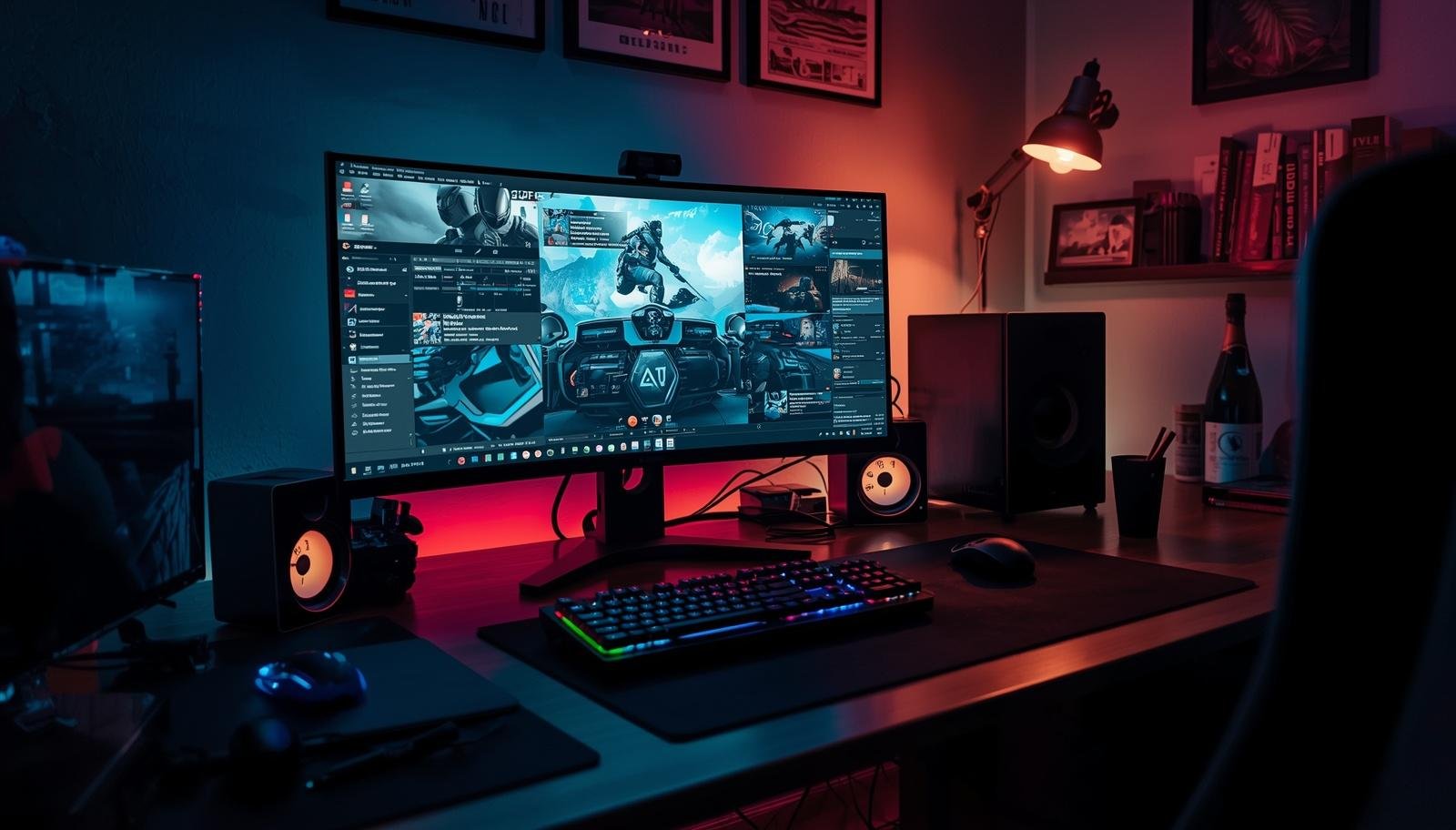
A well-designed home office gaming setup can help you switch smoothly between focused work and relaxed play without turning your desk into a cluttered mess.
The meeting ends, you close a few tabs, and within seconds you are staring at your game library. The same desk, same chair, same screen. But somehow switching from work mode to game mode feels awkward. Either your setup is too stiff for gaming or too chaotic for work.
That was our reality for months. My husband kept adjusting his chair every time he switched tasks, and I kept asking why the keyboard lights were still on during client calls. It felt like one setup trying to be two completely different things and failing at both.
A home office gaming setup can work for both. You just need to set it up with intention.
Let’s make your space handle work and play without driving you crazy.
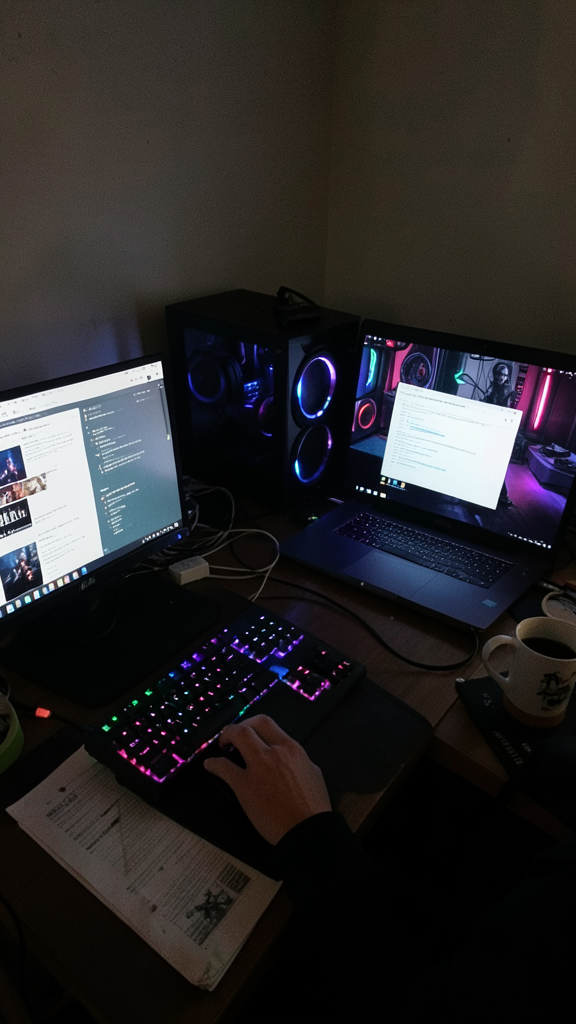
Mixing work and gaming sounds efficient. Same desk, same gear, done. But without structure, it quickly turns into a mess.
You need a system that lets you switch modes without friction.
Takeaway: A good setup should support both focus and fun without conflict.
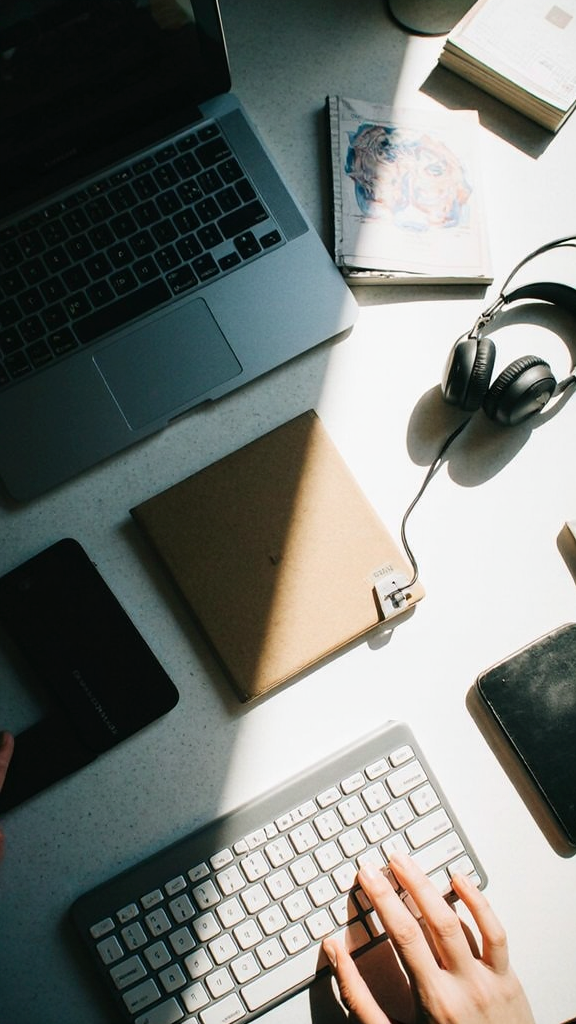
Even if you use one desk, your brain needs clear signals.
We started doing this, and it felt like flipping a mental switch. Same desk, different mindset 🙂
Takeaway: Physical separation creates mental separation.
This is not the place to compromise.
A bad chair ruins both productivity and gaming sessions.
My husband swapped his chair after months of back pain. Productivity improved. So did his gaming sessions.
Takeaway: Your chair affects everything more than you think.
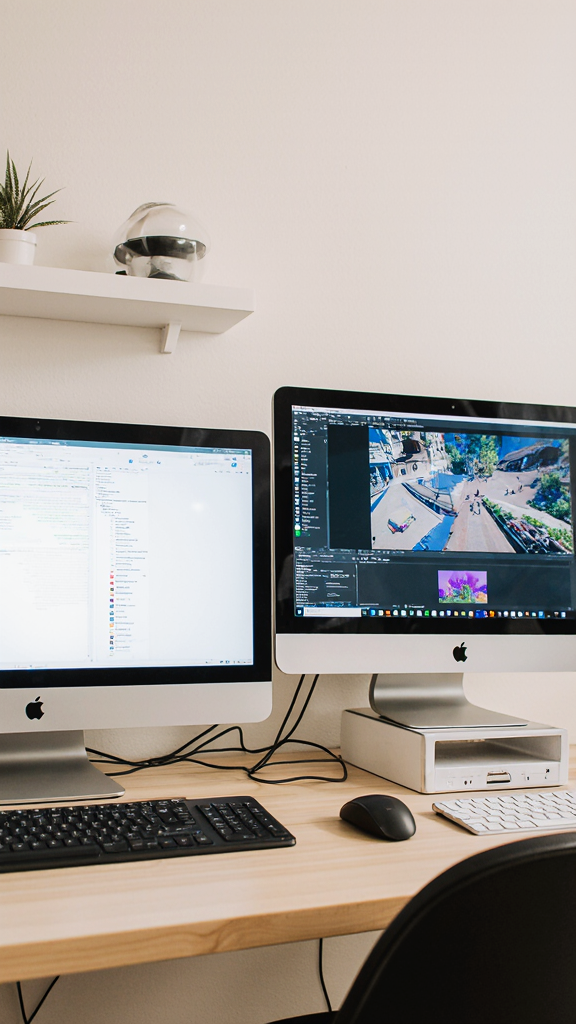
Your screen setup needs to handle spreadsheets and games without constant adjustments.
We found that a simple dual setup worked better than constantly rearranging screens.
FYI, screen placement matters more than screen size.
Takeaway: A well-positioned monitor setup supports both focus and immersion.
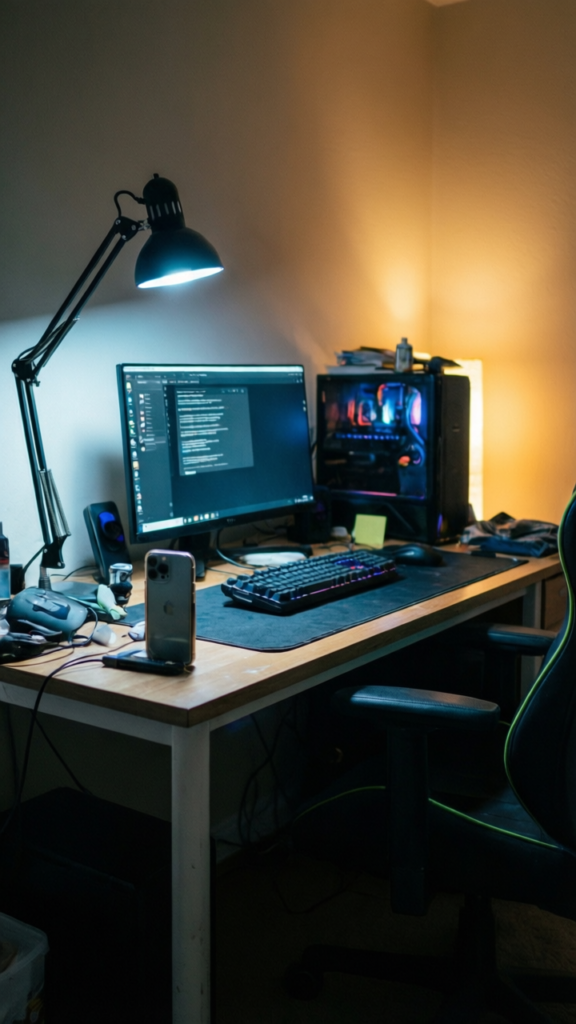
Lighting changes everything.
Bright light works for productivity. Softer light works for gaming.
We added a simple lamp and dimmed lights for gaming sessions. Instant mood shift.
Takeaway: Lighting helps your brain switch modes faster.
Clutter kills both productivity and enjoyment.
At one point, cables and controllers were everywhere. It looked chaotic and felt worse :/
Takeaway: A clean desk supports both work and play.
Cables can turn a great setup into a visual mess.
We spent one afternoon fixing cables, and the difference was immediate.
IMO, this is one of the most underrated upgrades.
Takeaway: Organized cables create a calmer workspace.
Your equipment should work well for both tasks.
We avoided having separate gear for everything. It saved space and kept things simple.
Takeaway: Versatile gear keeps your setup efficient and clean.
Your setup should feel like yours.
But too much decor can distract you.
We added a small plant and a couple of personal items. That was enough.
Takeaway: A little personality goes a long way.
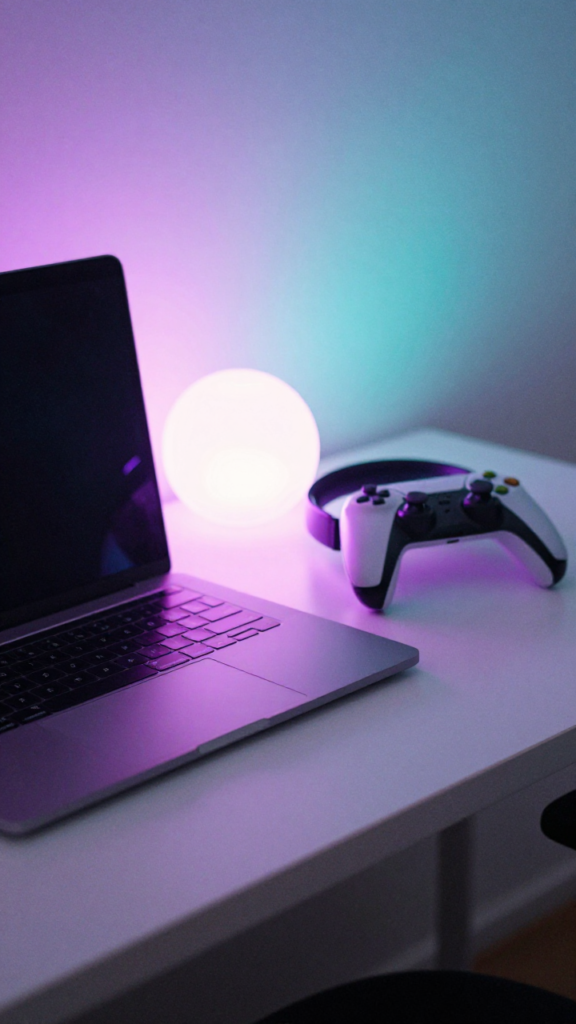
This might sound simple, but it changes everything.
You need a way to mentally switch off work.
That small routine helped separate work stress from relaxation.
Takeaway: A simple routine helps you fully transition between roles.
Even good setups can fail with poor habits.
We made most of these mistakes early on. It showed in both productivity and mood.
Takeaway: Small habits can break even the best setup.
You do not need the most expensive gear. You need a setup that fits your routine.
Ask yourself:
Start with one change. Test it. Adjust.
Takeaway: The best setup evolves with your habits.
A home office gaming setup should not feel like a compromise. It should feel like a space that supports both productivity and relaxation.
You do not need a full overhaul. Small changes can make a big difference.
Pick one tip from this list and try it this week. Adjust your lighting. Clean your desk. Fix your cables.
Because when your setup works for both work and play, everything feels a little smoother.








