Physical Address
304 North Cardinal St.
Dorchester Center, MA 02124
Physical Address
304 North Cardinal St.
Dorchester Center, MA 02124

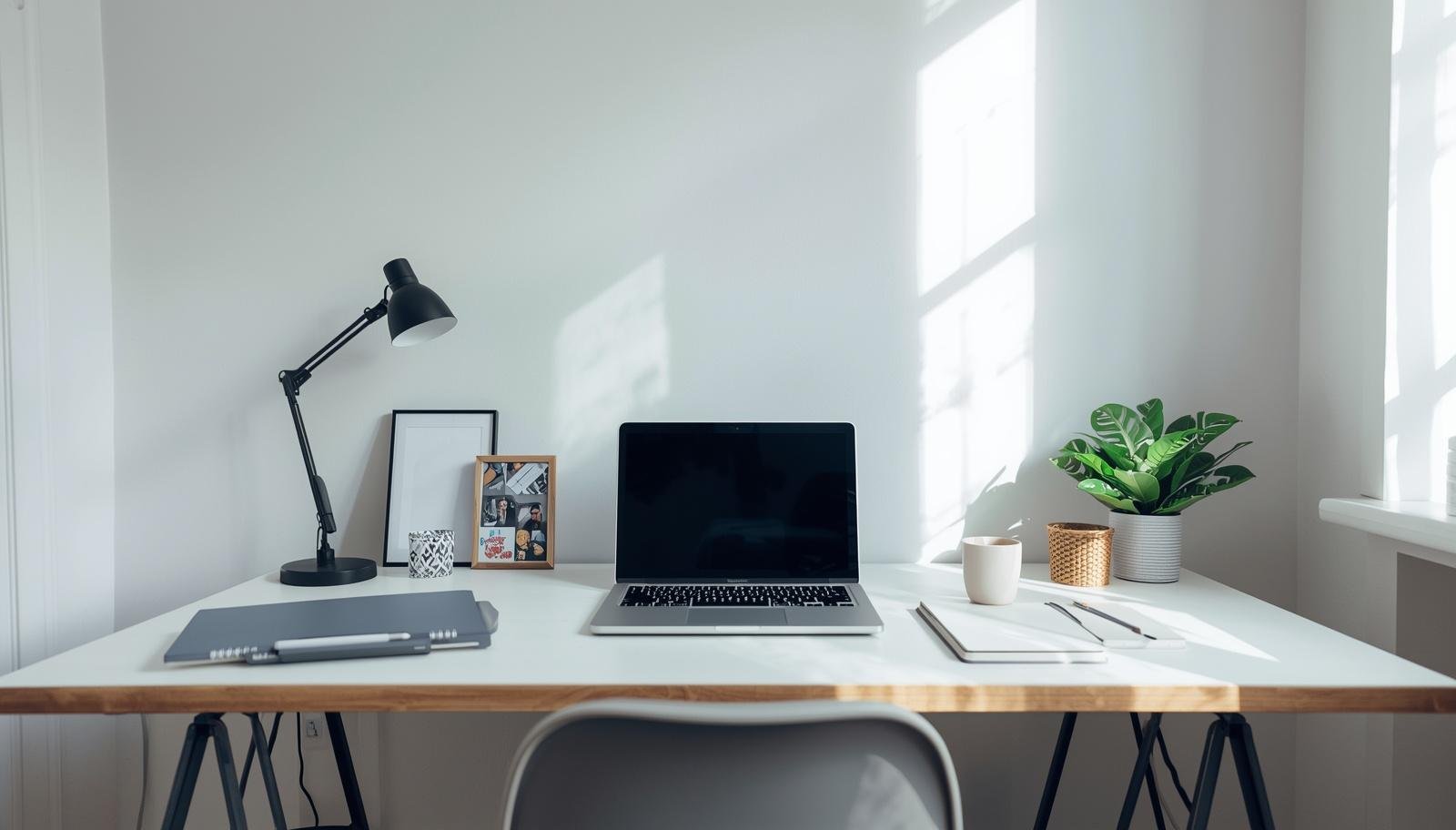
A productive home office setup is less about discipline and more about creating a simple, distraction-free space that makes it easier to stay focused all day.
The laptop is open, your task list is ready, and somehow you are scrolling, checking emails, and rearranging your desk for the third time. You tell yourself to focus, but your brain just refuses to cooperate.
That was me trying to work while my daughter built a tiny kingdom next to my keyboard. I blamed distractions, lack of discipline, maybe even the WiFi. But honestly, my setup was the problem.
A productive home office is not about working harder. It is about removing the small things that quietly ruin your focus.
Let’s fix those.
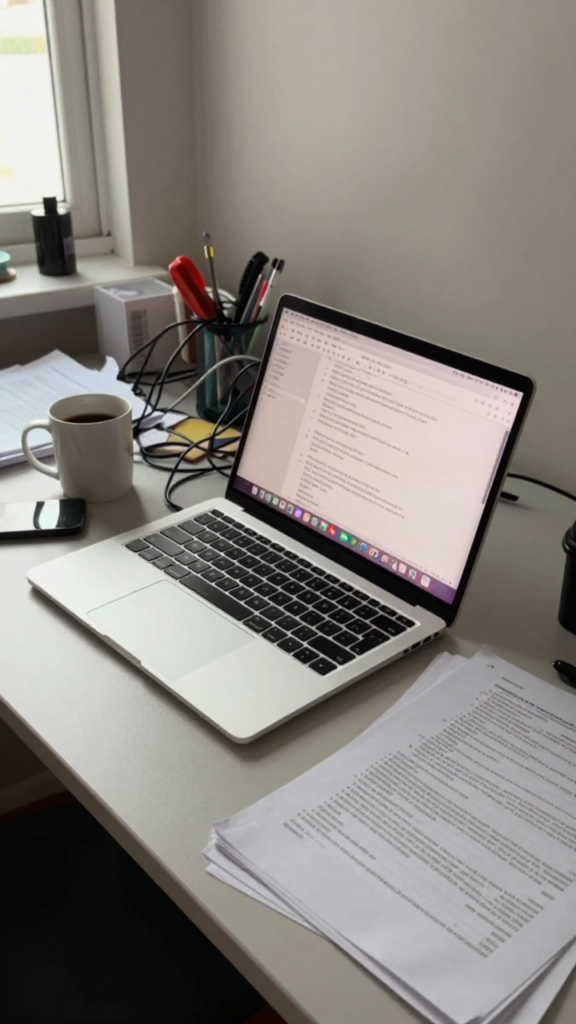
You can have the best plan and still struggle if your environment works against you. Every small annoyance adds up.
Your chair, your lighting, your desk layout. They all either support you or slow you down.
Takeaway: Focus problems often start with environment problems.
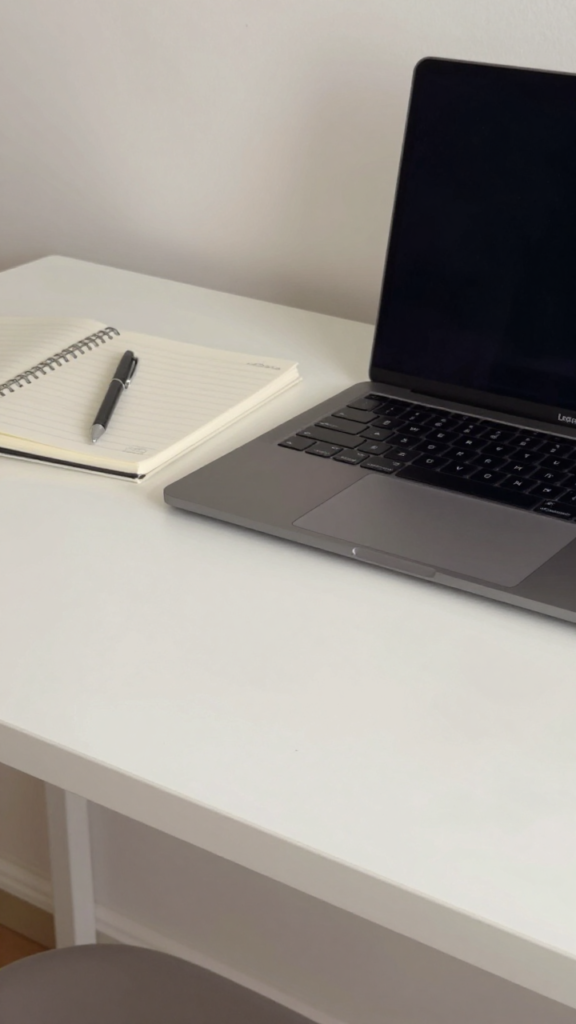
Before you buy anything, remove things.
I cleared my desk one afternoon out of pure frustration. Suddenly, my brain felt quieter 🙂
Takeaway: A clean desk removes instant distractions.
You sit for hours. Your chair matters.
My old chair made me shift every ten minutes. Once I replaced it, I stopped thinking about sitting altogether.
Takeaway: Comfort supports concentration.
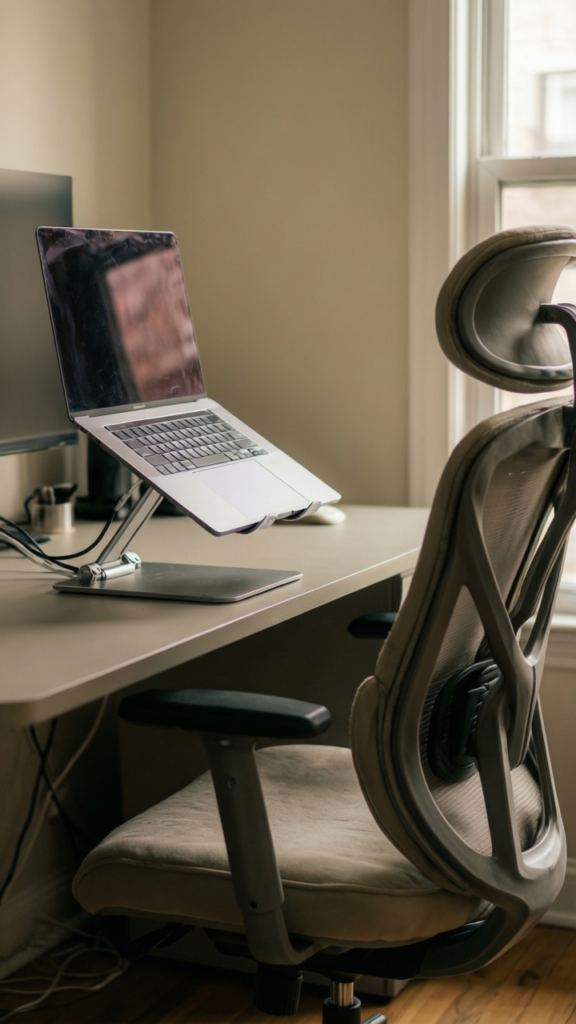
Looking down or up all day is a problem.
This small tweak reduced my neck tension more than expected.
Takeaway: Your screen should meet your eyes, not the other way around.
Lighting affects your mood and energy.
We changed our lighting setup, and late afternoons stopped feeling so draining.
Takeaway: Good lighting keeps your brain alert.
Even in a small space, boundaries matter.
I tried working from the couch for a week. Productivity dropped fast :/
Takeaway: Your brain needs a clear work signal.
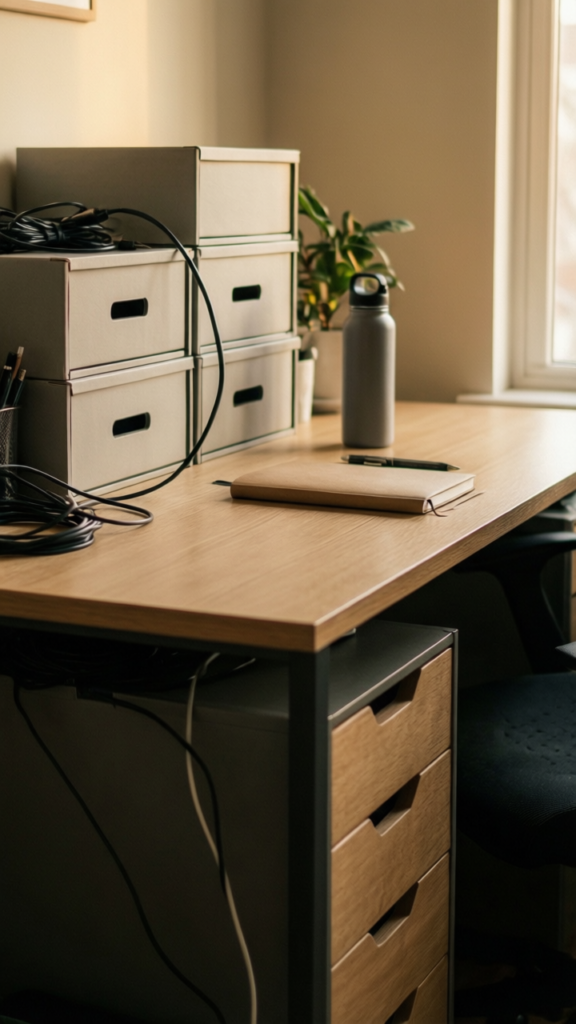
Clutter does not disappear. It hides.
Once I gave everything a place, I stopped wasting time looking for things.
Takeaway: Organized spaces support organized thinking.
Cables are silent chaos creators.
We spent one afternoon fixing cables, and the desk instantly felt calmer.
Takeaway: Less cable clutter equals less mental clutter.
You should not have to get up every five minutes.
I used to stand up constantly to grab things. It broke my focus every time.
Takeaway: Easy access keeps you in the zone.
Your setup includes your screen, not just your desk.
This one was hard for me. But it made the biggest difference.
IMO, this is where most people struggle.
Takeaway: Fewer digital distractions mean deeper focus.
Your space should feel good, not sterile.
I added one plant, and it changed how the space felt.
Takeaway: Comfort supports consistency.
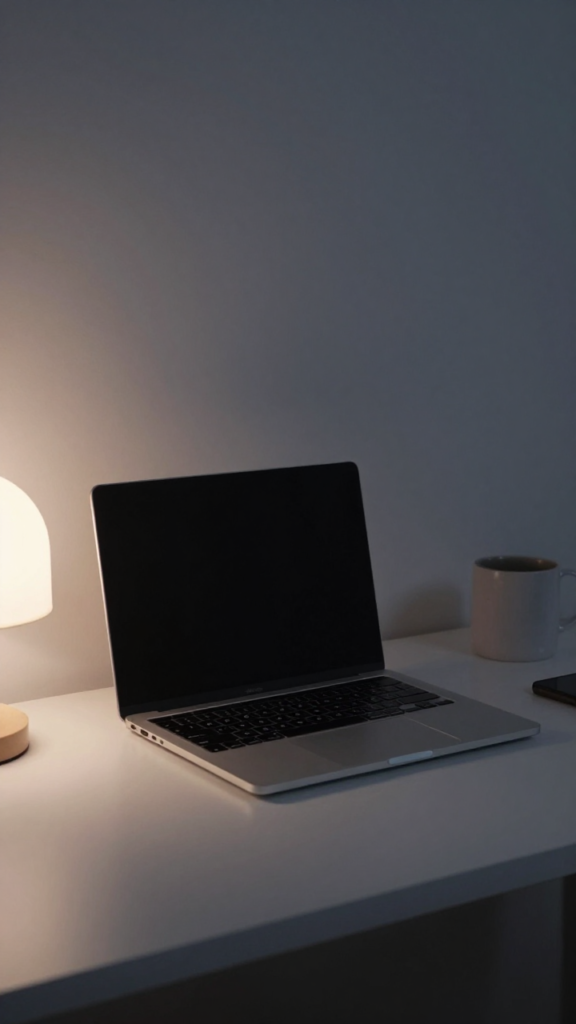
A messy desk kills momentum.
This small habit made starting work easier every morning.
Takeaway: Resetting your space resets your mind.
Noise can break focus quickly.
My house is rarely quiet, so this became essential.
Takeaway: Sound control supports deep work.
Your energy changes during the day.
Some days I need structure. Other days I need flexibility.
Takeaway: A flexible setup adapts to your needs.
More decor is not always better.
I learned this the hard way after overloading my space.
Takeaway: Keep decor simple and intentional.
No setup stays perfect forever.
Your work evolves. Your setup should too.
Takeaway: The best setup is always evolving.
A productive home office setup is not about perfection. It is about removing friction so you can focus without constantly fighting your environment.
You do not need to change everything at once. Start small. Clear your desk. Adjust your chair. Fix one thing that annoys you.
Because when your space works with you instead of against you, focus stops feeling like a struggle. It just happens.








