Physical Address
304 North Cardinal St.
Dorchester Center, MA 02124
Physical Address
304 North Cardinal St.
Dorchester Center, MA 02124

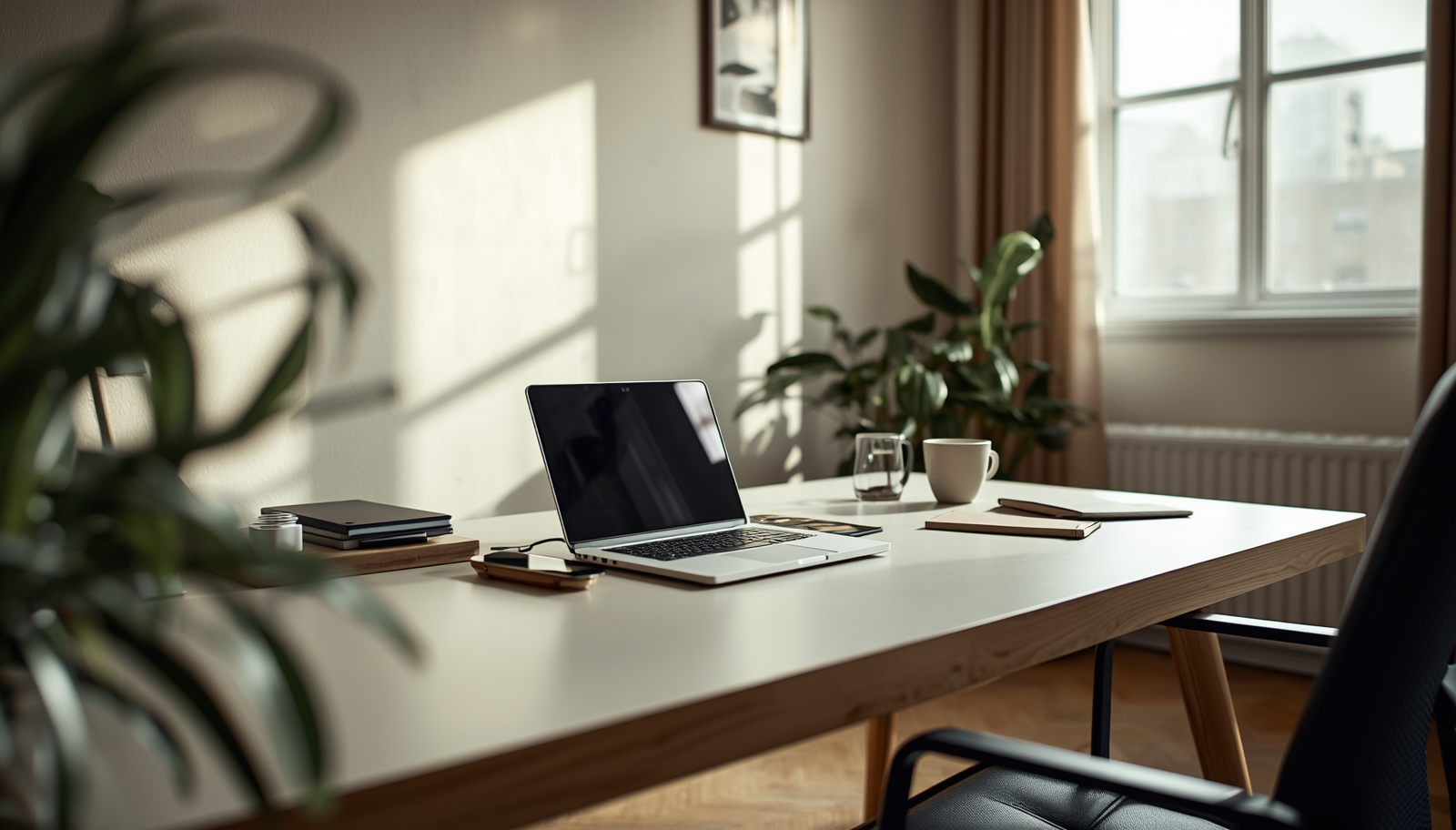
Discover 10 practical modern desk organization hacks that help you keep your workspace clear, reduce clutter, and improve daily focus without overcomplicating your setup.
My desk used to disappear under random stuff faster than I could clear it. A notebook here, a charger there, sticky notes multiplying like they had their own agenda. And somehow, I still told myself it was a system.
Then one morning, I could not find my mouse under a pile of papers I swore I would sort later. That was the moment it stopped being funny.
Most people do not have a messy desk problem. They have a not-designed-for-reality desk setup problem.
So I started testing small changes. Not full Pinterest-level makeovers. Just practical hacks that actually keep the surface clear without making me feel like I am living in a showroom.
Here are 10 modern desk organization hacks to keep your surface clear and your brain less annoyed.

The fastest way to clutter is deciding things belong everywhere.
When items do not have a fixed place, they drift. And then they multiply.
I used to just place things wherever felt convenient. FYI, that is how chaos starts quietly.
Takeaway: Every item needs a permanent home or it becomes desk clutter by default.
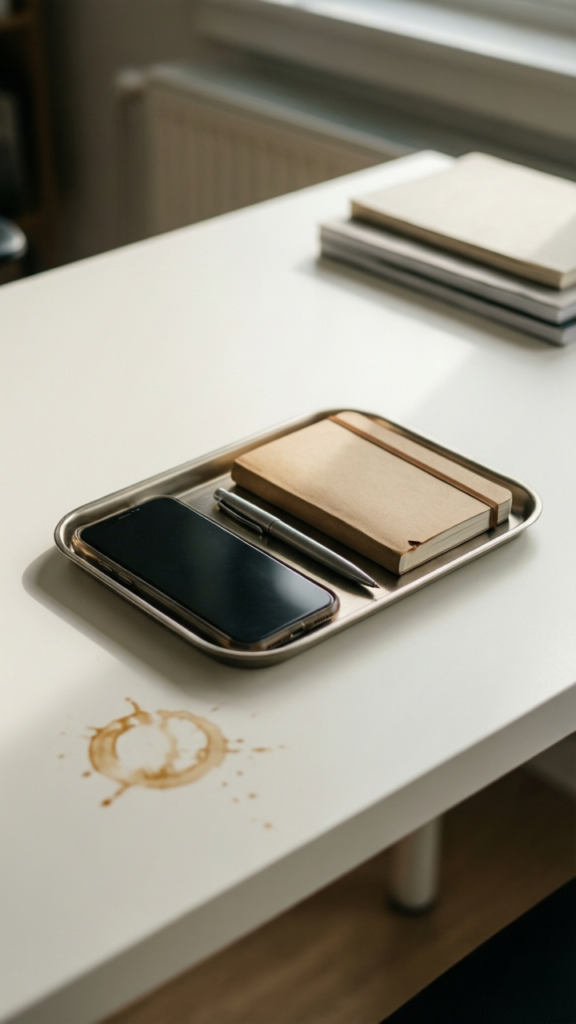
This one changed everything for me.
A small tray limits what is allowed on the surface.
If it does not fit, it does not belong there.
It sounds strict, but it actually removes decision fatigue.
Takeaway: A daily essentials tray forces intentional desk usage and reduces surface clutter.
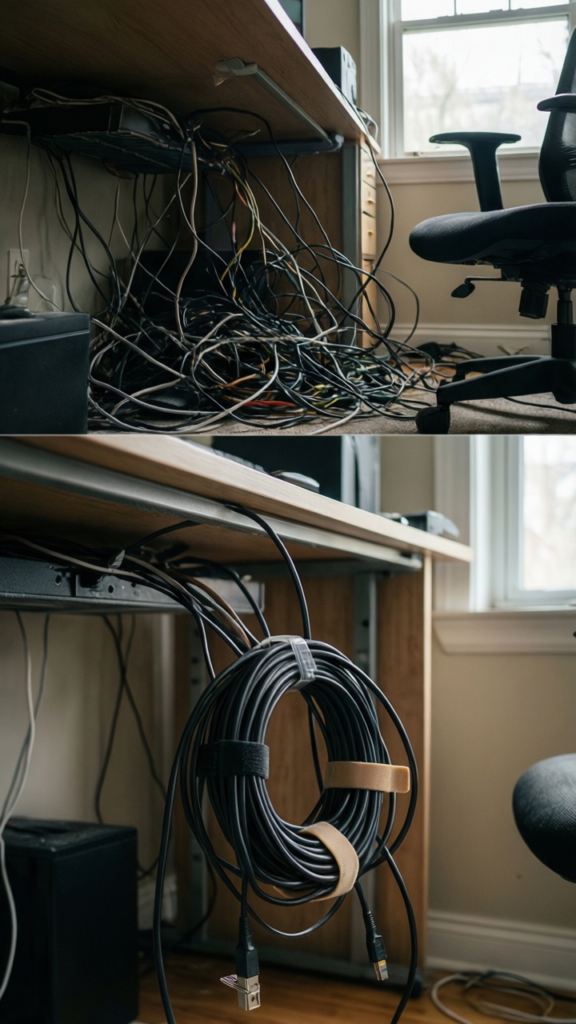
Because honestly, it kind of does.
Visible cables create visual noise even when everything else is clean.
Once I cleaned up my cables, my desk instantly felt 30 percent more organized without moving anything else.
Takeaway: Cable management is one of the fastest visual upgrades for a clean desk.
Your desk surface is not the only storage zone.
Most people forget they have walls.
This shifts clutter away from your working space.
It also makes your desk feel bigger without actually changing it.
Takeaway: Vertical storage frees desk surface space and improves workspace flow.
Drawers without structure turn into black holes.
Everything goes in. Nothing comes out easily.
It does not need to be perfect. It just needs separation.
IMO, this is one of those boring hacks that quietly saves your sanity.
Takeaway: Drawer dividers prevent hidden clutter from spilling back onto your desk.
This rule sounds simple until you try it.
Every new item replaces an old one.
It keeps accumulation under control.
Without it, desk clutter always wins eventually.
Takeaway: The one in, one out rule prevents long term desk overload.
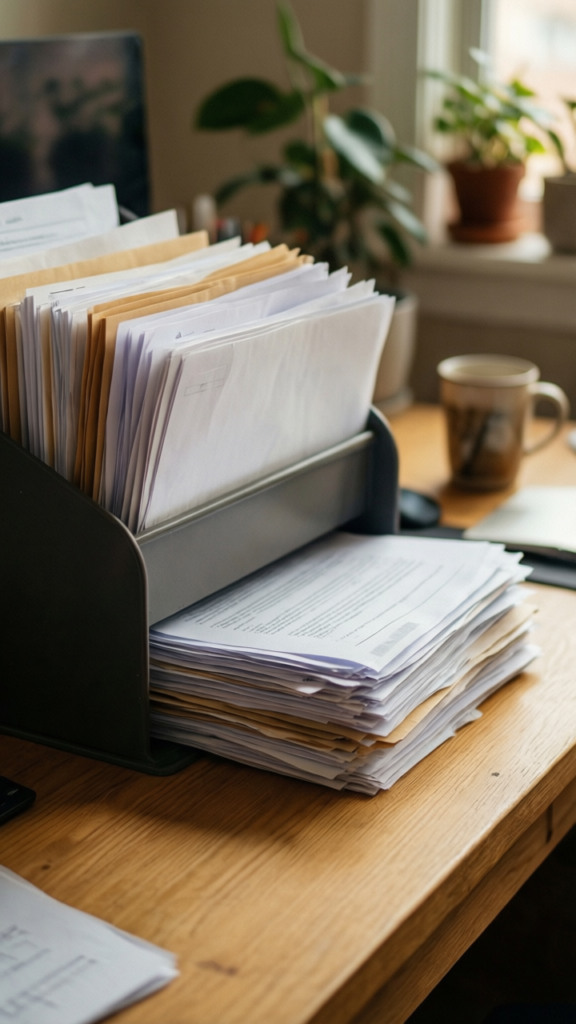
Paper is sneaky. It always ends up somewhere.
Usually on your desk.
This stops random paper piles from forming.
I ignored this for years and just called it “workflow.” That was generous.
Takeaway: Designate a paper zone or papers will take over your desk surface.
Your desk should reflect what you are working on right now.
Not everything you own.
This reduces mental distraction instantly.
Too many visible objects make your brain switch contexts constantly.
Takeaway: Only active work items should stay on your desk surface.
Tech is usually the biggest space eater.
More devices does not always mean better productivity.
Everything else should be optional, not permanent.
Less tech clutter equals more mental clarity.
Takeaway: A minimal tech setup keeps your desk visually and functionally clean.

This is the habit that ties everything together.
Even the best system breaks without maintenance.
It takes five minutes but saves hours of frustration later.
I used to skip this and pay for it the next morning every time.
Takeaway: A daily reset keeps desk organization from slowly collapsing over time.
A clean desk is not about perfection or aesthetic rules.
It is about reducing friction in your daily work.
When your surface stays clear, your mind stops processing unnecessary visual noise. You think faster. You start easier. You finish more smoothly.
Start with just two or three of these hacks. Do not try to fix everything at once.
Your desk should support your work, not compete with it.








